
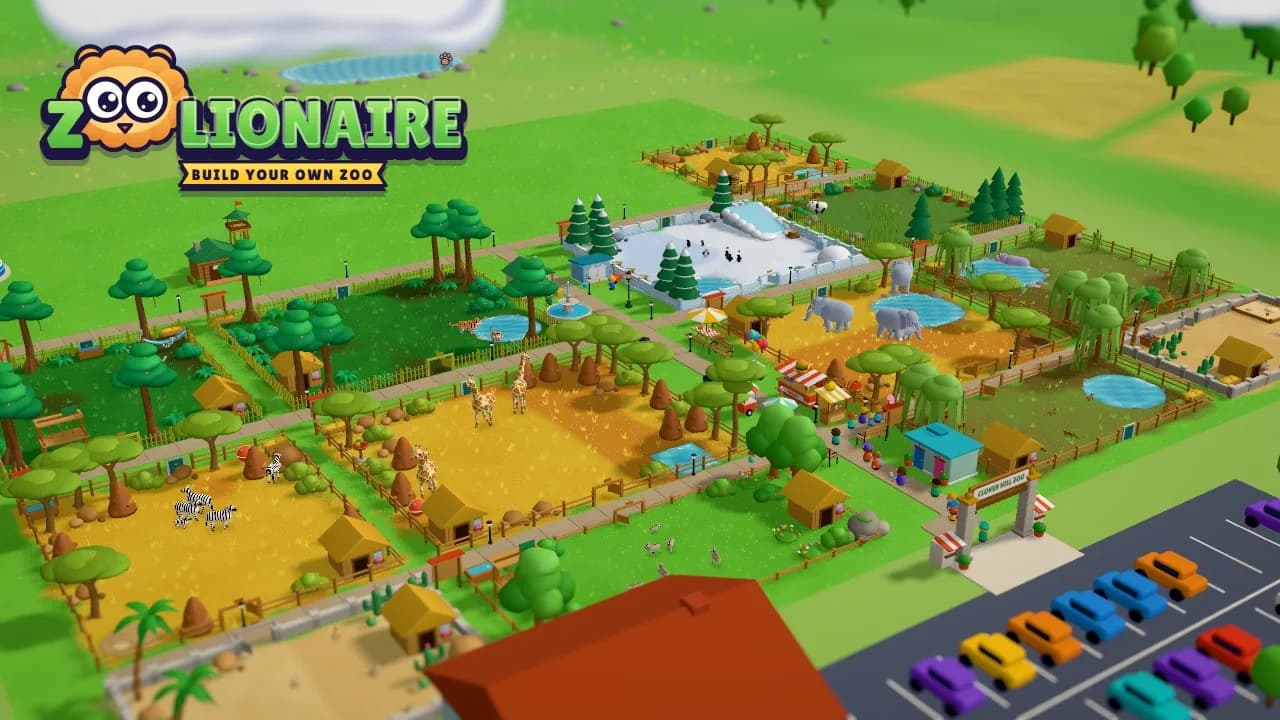
About Zoolionaire
Zoolionaire is a free zoo game you can play right in your browser. The town's old zoo closed years ago, and now Ranger Rosa has turned up from the animal rescue centre with Sunny, a lion cub who needs a home. You reopen the gates one habitat at a time. Drag across the grass to draw a habitat, pick a biome, add trees, rocks and a pond, then watch Sunny's crate open and the cub tumble out into a brand new home.
Among zoo games online, Zoolionaire is all about really building. Lay paths so guests can wander in, put down benches, a lemonade stand and an ice cream cart, and watch the visitors go "aww". Keep every animal happy by looking after six simple needs: food, water, space, a home that feels right, friends and fun. Happy pairs have babies that grow up right in front of you, and some are born with a rare colour that is really found in nature, like a white lion or a golden axolotl.
It's a calm, cute zoo builder made for kids and families. Seven story chapters unlock the animals a few at a time: meerkats, flamingos and giraffes first, then lemurs, tigers and gorillas in the jungle, the Ocean Dome with octopuses, sea turtles and a zebra shark, penguins and polar bears on the snowy peaks, giant pandas in a bamboo forest, and kangaroos and camels in the outback. Sandbox mode gives you all 44 animals, every building and unlimited coins with no goals, so you can build your own zoo exactly the way you dream it.
When an animal born in your zoo grows up, you can release it into the Wildlife Reserve, the wild valley north of your zoo, and watch it run off into the long grass. Zoolionaire is free, with no download, no sign-up and nothing to buy. It plays on Chromebooks, phones and tablets with touch, mouse or keyboard, and your zoo saves in your browser.
Screenshots
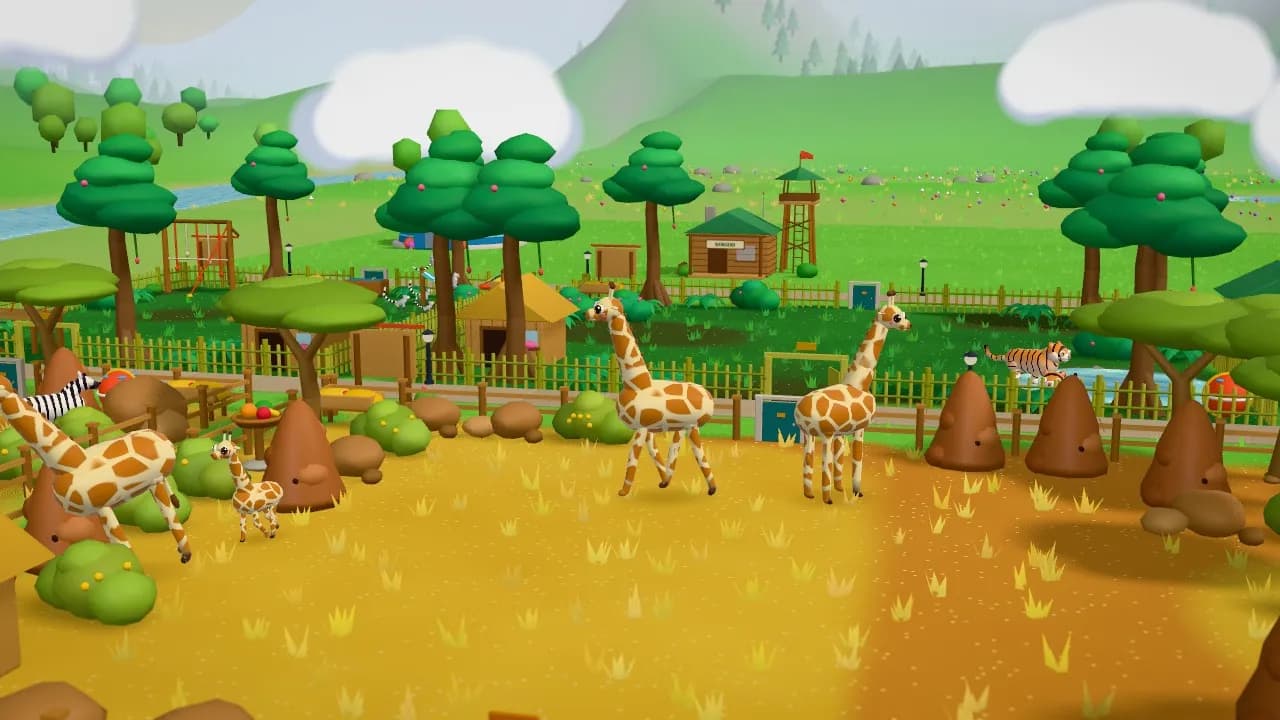
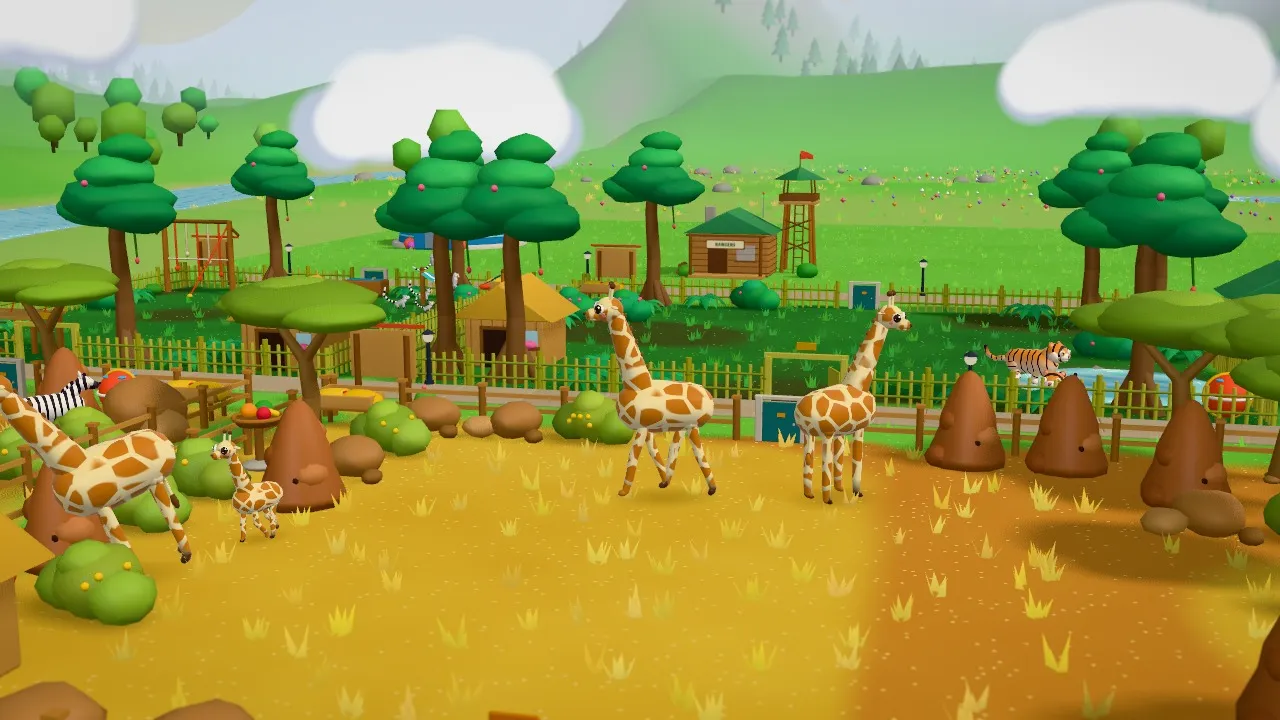
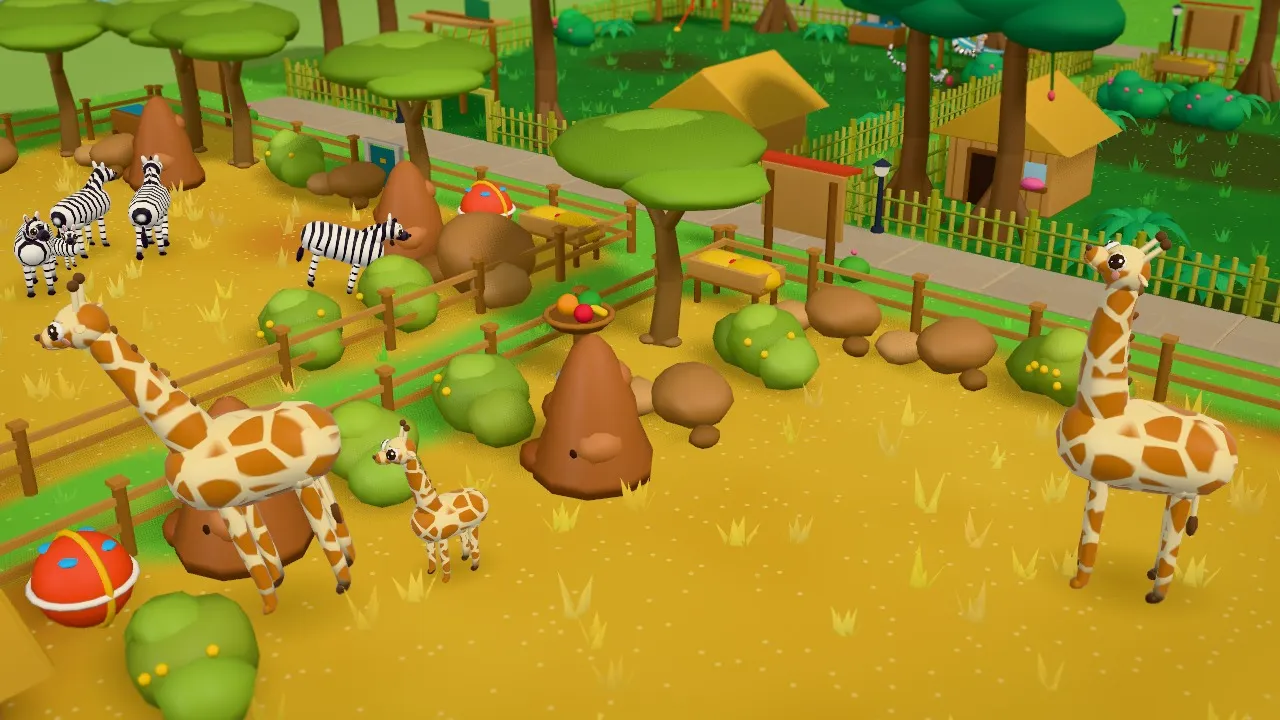
Giraffes and zebras in a golden savanna habitat in Zoolionaire, with termite mounds, acacia trees and a jungle behind 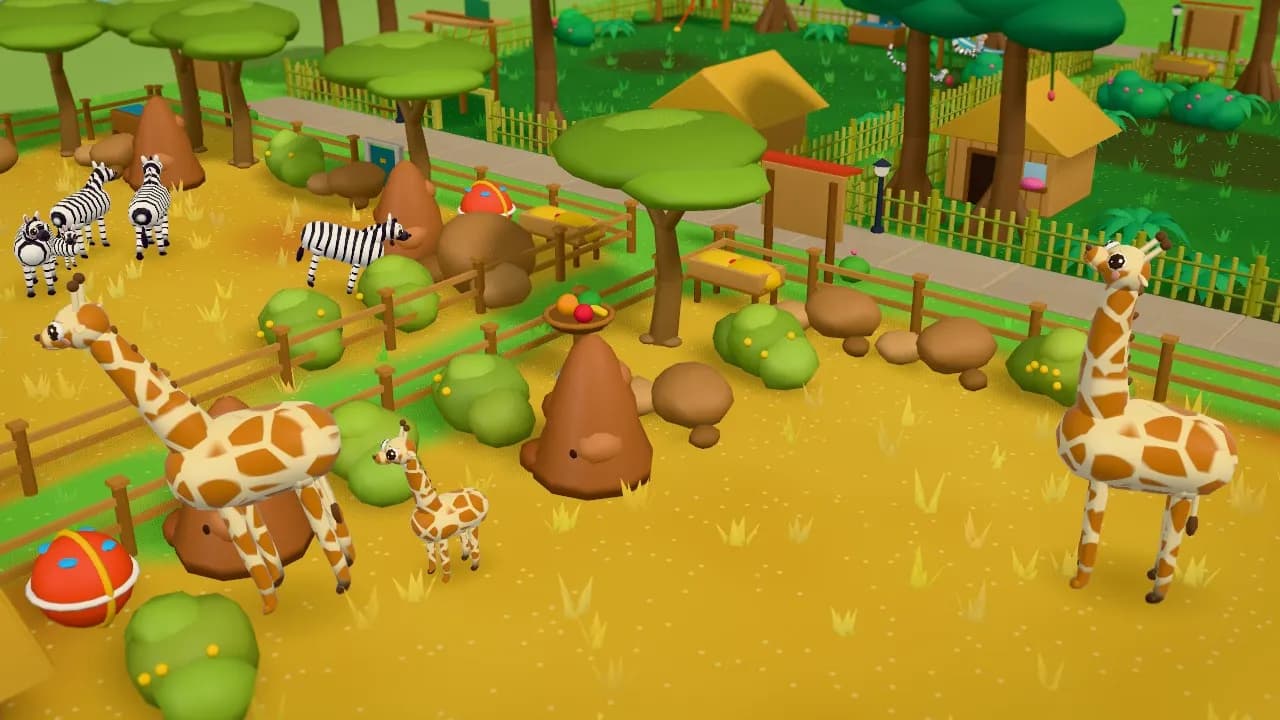
A baby giraffe beside its mother in the free zoo game Zoolionaire, with zebras grazing nearby 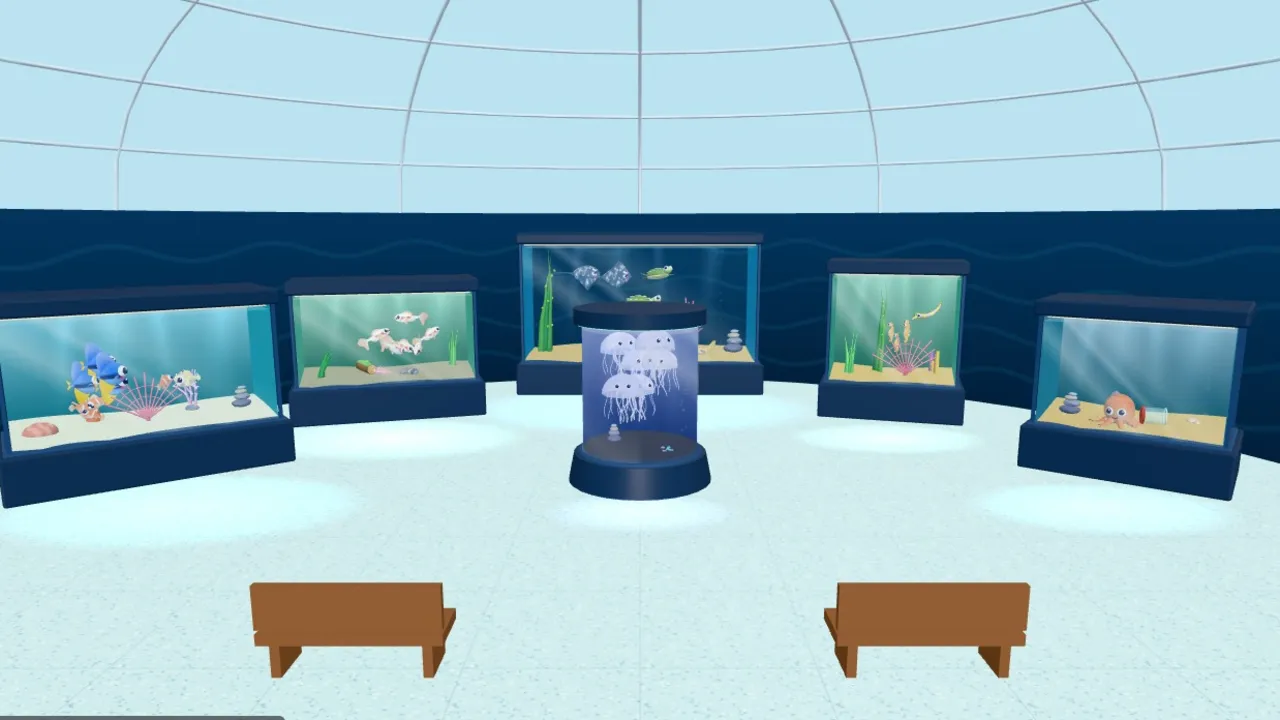
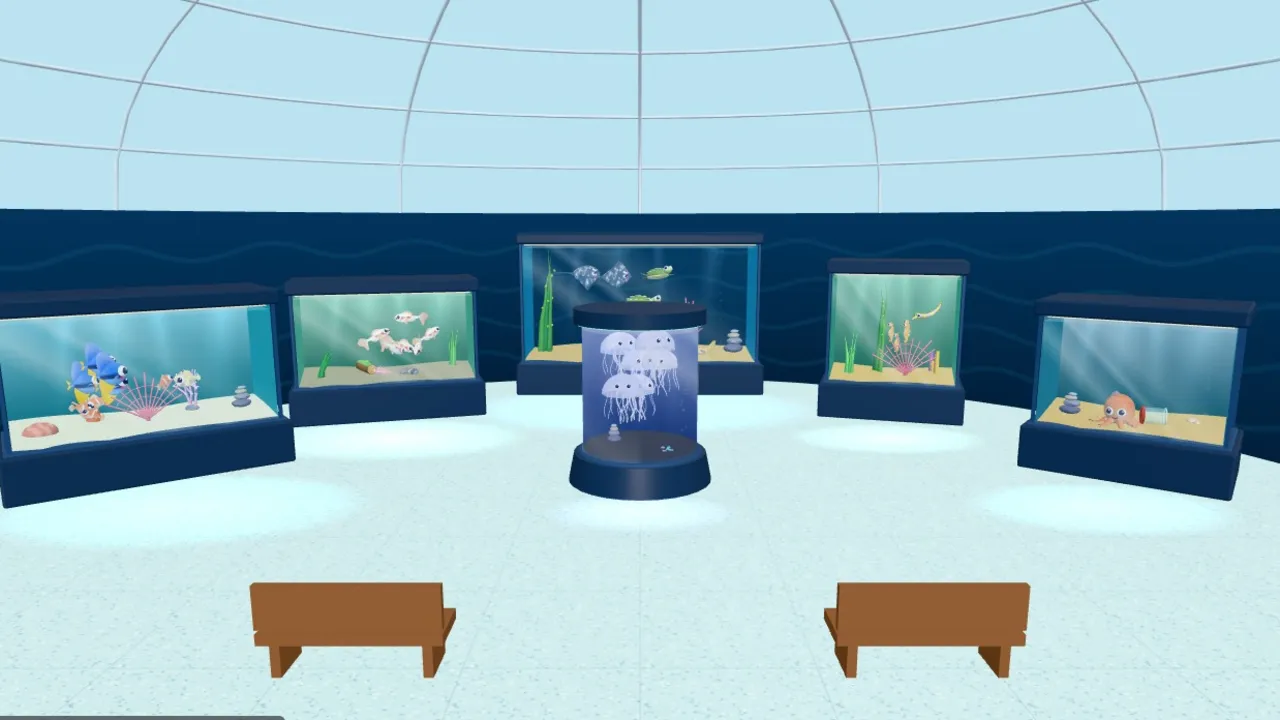
Inside the Ocean Dome in Zoolionaire: glass tanks with reef fish, seahorses and a glowing jellyfish column 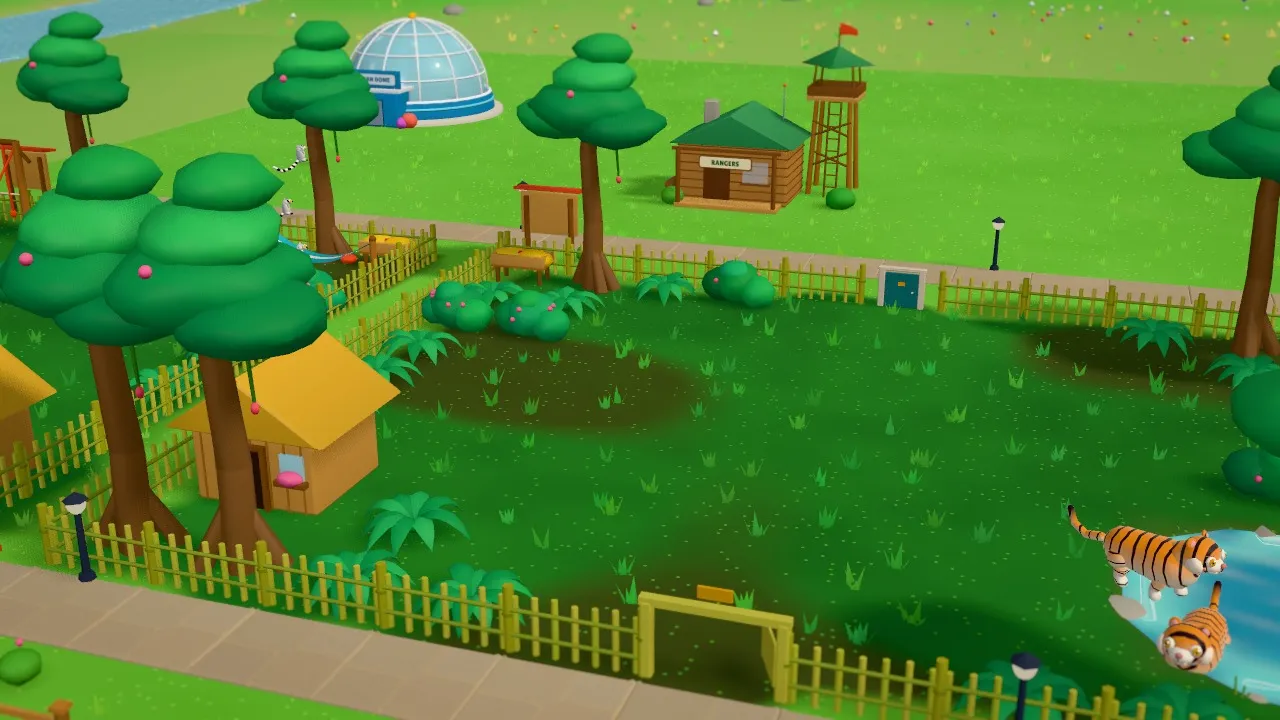
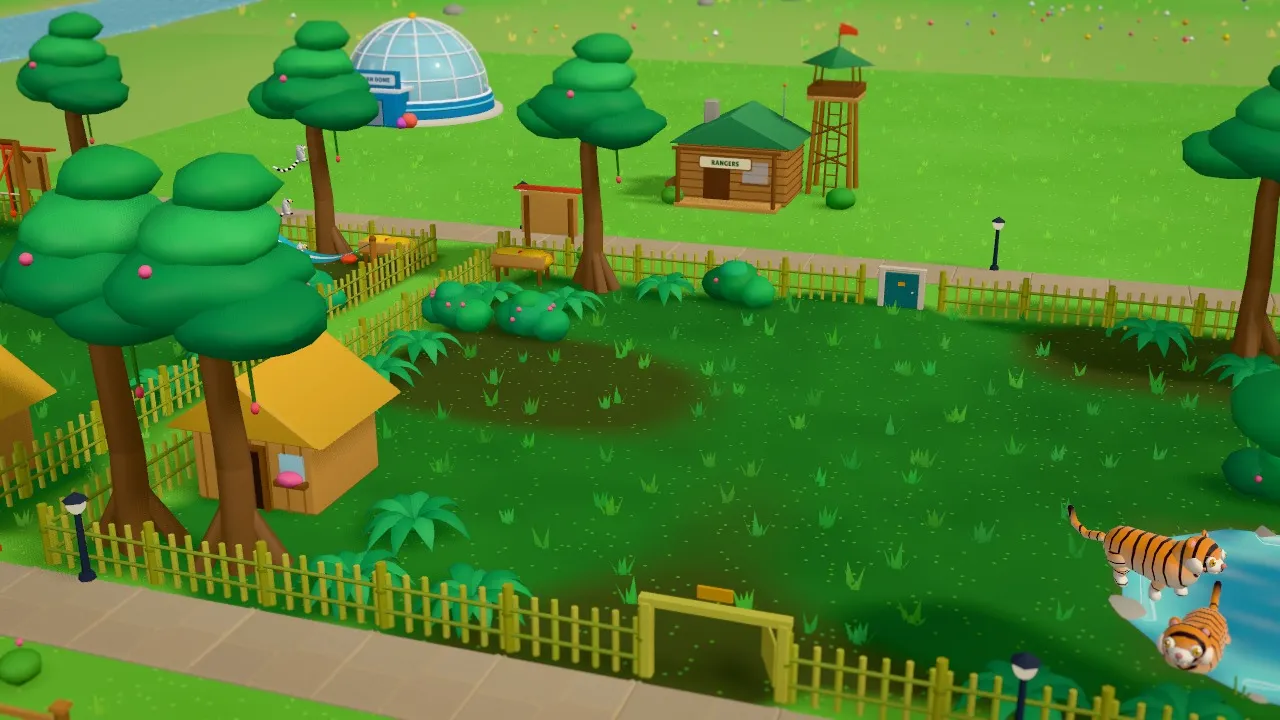
Tigers by their pool in a lush jungle habitat in Zoolionaire, with the Ocean Dome and a ranger station behind 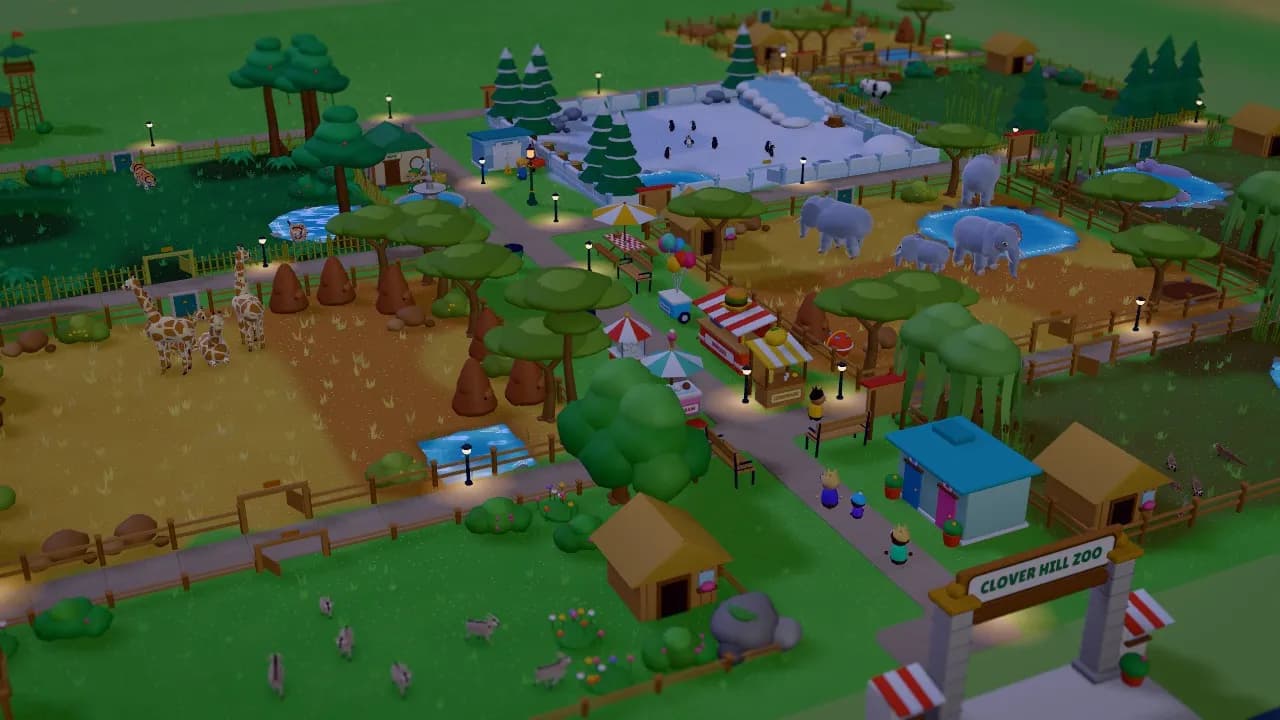
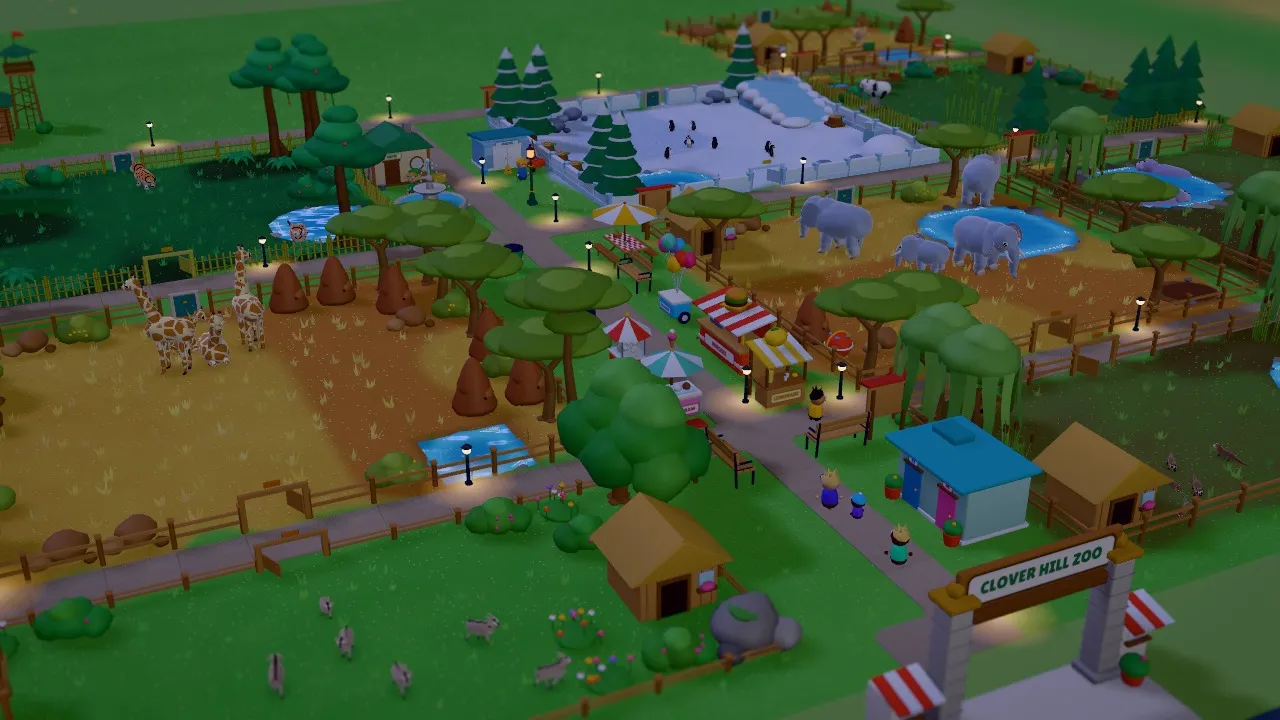
A whole Zoolionaire zoo at dusk, with lanterns glowing along the paths and elephants, giraffes and penguins in their habitats 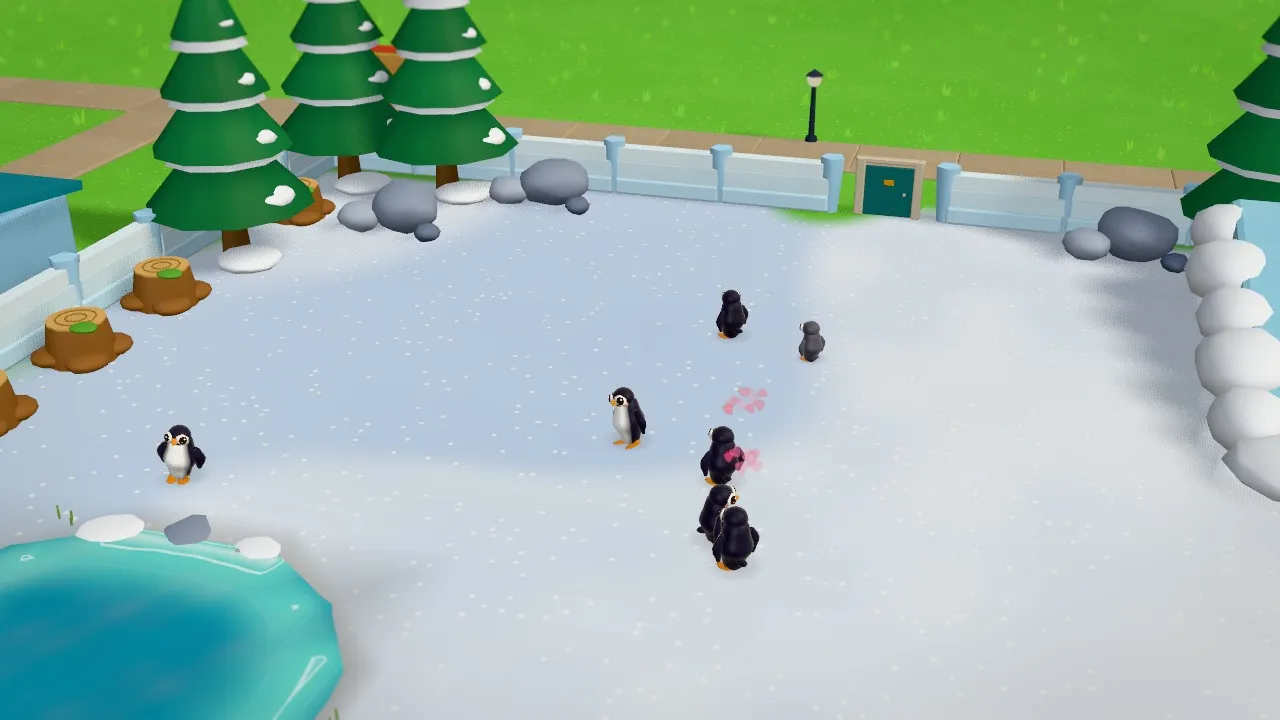
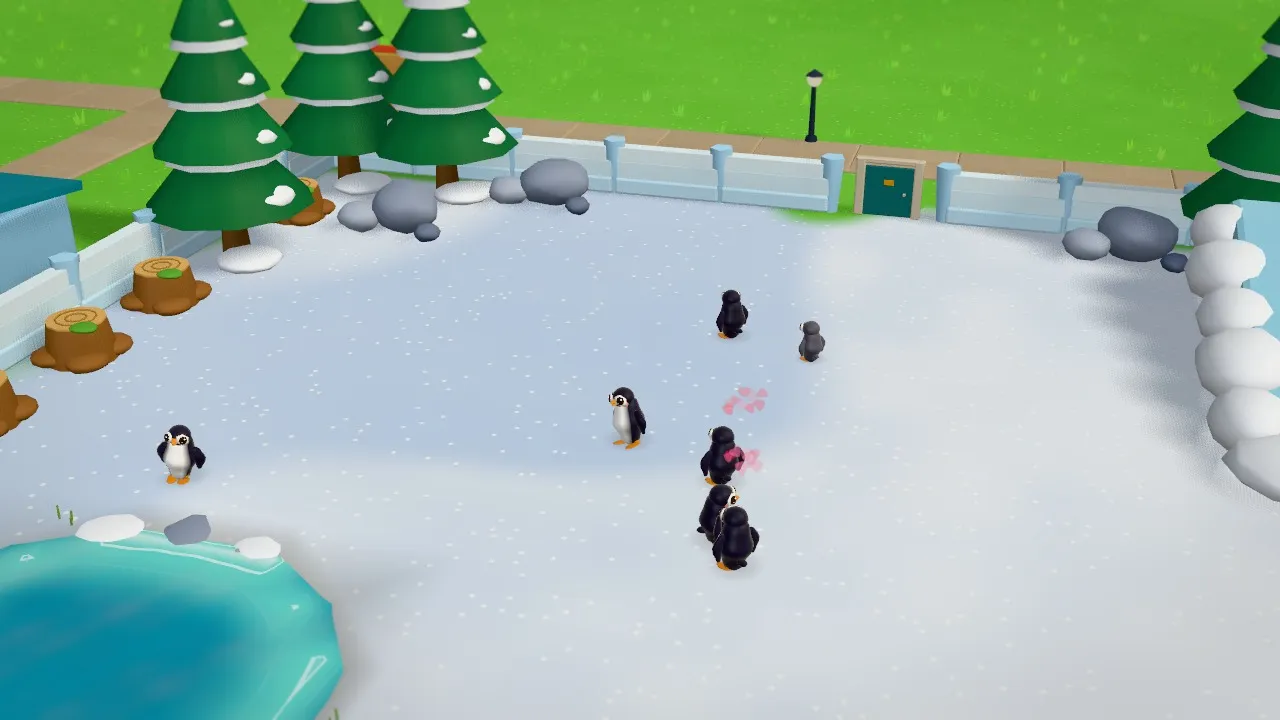
Penguins waddling across a snowy habitat with an icy pool and snowy pines in Zoolionaire
How to play Zoolionaire
- 1
Draw a habitat
Pick the habitat tool and drag across the grass to draw a home for your animals. Make it big enough: every animal needs room.
- 2
Pick a biome and decorate
Choose grassland, savanna, desert, wetland, jungle, forest or snow, then tap Auto-decorate or add trees, rocks, a pond and a shelter yourself. The right plants and props make an animal feel at home.
- 3
Adopt animals and keep them happy
Open the Animals tray and tap a card, then tap your habitat. A crate drops in and the animal hops out. Watch the big icon above the habitat: it tells you the next thing to fix.
- 4
Build paths and stalls for your guests
Join the gate to every habitat with paths, then add stalls, benches and bins. Happy guests pay for tickets and snacks, and the coins buy your next animal.
Controls
| Input | What it does |
|---|---|
| Drag on the ground (touch) | Move the camera when no build tool is active (two-finger drag works any time) |
| Right-drag or middle-drag, WASD or arrow keys | Move the camera |
| Pinch, or mouse wheel / + and − | Zoom |
| Two-finger twist, or Q / E | Turn the view |
| Tap or left-click | Select an animal, guest or building |
| Drag (habitats, paths) or tap (stalls, props) | Build with the tool you picked |
| Rotate button, or R | Turn a building or prop while placing it |
| Tap the tool again or X, or Esc / right-click | Cancel the tool |
| Undo button, or Ctrl+Z / Ctrl+Y | Undo or redo (the last 30 builds; mistakes are free for 10 seconds) |
| Bulldozer tool, or Delete | Remove something |
| Speed button, or Space and 1 / 2 / 3 | Pause, or run the zoo at 1x, 2x or 3x |
| Camera button, or P | Photo mode |
Features
- 44 cute 3D animals, from meerkats and lion cubs to giraffes, gorillas, penguins and giant pandas
- Draw your own habitats and choose from 7 biomes, with trees, rocks, ponds, shelters and toys
- Each animal has its own signature move, from a sleepy yawn to a belly-slide into the pool
- Six simple needs: food, water, space, home, friends and fun, with one big icon showing what to fix next
- Babies that grow up in front of you, with 10 rare real-life colours to find, like the white lion and golden axolotl
- Sunny's story: Ranger Rosa guides you through 7 chapters, with goals to finish and zoo stars to earn
- The Ocean Dome: a glass aquarium hall with 12 sea creatures, from koi and clownfish to octopuses and sea turtles
- Paths, stalls, benches, restrooms and keeper huts to keep your guests and animals happy
- Buy more land and grow from one small plot into a big zoo, with day and night
- The Zoo Book: every animal's page with two true fun facts, where it lives and what it eats
- Release grown-up animals into the Wildlife Reserve and earn Leaves
- Sandbox mode: all 44 animals, every building and unlimited coins, with its own save
- Photo mode for snapshots, and a welcome-back card when your zoo keeps earning while you're away
- Works on phone, tablet, Chromebook and computer; free, no download, no sign-up, nothing to buy
Tips for Zoolionaire
Put a path next to every habitat
Guests walk along paths to reach your habitats and stalls. Join every habitat to the gate so guests can see your animals.
Build a Keeper Hut early
Inside its circle, the animals are fed for you. Without one you have to tap Feed yourself.
Pairs make babies
A boy and a girl of the same kind, both happy, will have a baby. Leave a little spare room in the habitat.
Check the Zoo Report
Tap your stars to see how your zoo is doing, with one tip for the weakest part, so you know whether to add a stall, a bench or another animal.
Start with small animals
Meerkats, goats and alpacas are cheap and need little space. Save for lions and giraffes after that.
Frequently asked questions
Is Zoolionaire free?
Yes. Zoolionaire is free to play online, with no download, no sign-up and nothing to buy. There is no chat and there are no ads inside the game.
Can I play it on a Chromebook, phone or tablet?
Yes. Zoolionaire runs in your browser on Chromebooks, phones, tablets and computers. Hold a phone sideways: you build by dragging with one finger, and the buttons are big enough for small hands. A mouse and keyboard work too.
How many animals are there?
44 animals: 32 on land and 12 in the Ocean Dome, plus 10 rare colours like the white lion, golden zebra and golden axolotl. The story unlocks them a few at a time, and Sandbox mode has every one from the start.
Can I build my own zoo with unlimited money?
Yes. Sandbox mode gives you unlimited coins, every animal, every building and all the land, with no goals and its own save. Your story zoo is kept separately.
How do I make my animals happy?
Every animal has six needs: food, water, space, home, friends and fun. Tap an animal or look at the big icon above its habitat to see which one needs help. Add a feeder and a pond, make the habitat bigger, match the biome, keep animals with their own kind, and give them toys and things to climb. Auto-decorate sets up a habitat for you, and a Keeper Hut feeds the animals nearby.
How do I get baby animals?
Put a boy and a girl of the same kind in a habitat and keep them happy. After a few in-game days a baby is born, and it grows up in about half an hour of play. Make sure there's room: a full habitat can't have babies. Some babies are born with a rare colour.
Do animals ever die or get hurt?
No, never. An unhappy animal just looks sad and plays less until you fix what it needs. Animals are never sold: if you have too many, a partner zoo gives them a new home, and they leave in a happy little truck.
What is the Wildlife Reserve?
It's the wild valley north of your zoo. When an animal born in your zoo has grown up, you can release it there and watch it run off into the long grass. You earn Leaves, and the animals you've released live on in the valley. Some real zoos help animals return to the wild too.
Does my zoo save?
Yes. Zoolionaire saves automatically in the browser you play in, so your zoo is there next time. Sandbox has its own save. Your zoo also keeps earning for up to 8 hours while the page is closed, and a welcome-back card tells you what happened.
Is Zoolionaire the same as Planet Zoo 2?
No. Zoolionaire is our own free zoo game, made by ZoomyGames. It is not connected to Frontier or Planet Zoo 2. If you love building zoos but can't run a big PC game, Zoolionaire plays free in your browser.
What's new
- Zoolionaire is out: draw habitats, adopt 44 cute animals, raise their babies and find 10 rare colours
- Seven story chapters with Sunny and Ranger Rosa, the Ocean Dome, the Wildlife Reserve, photo mode and a free Sandbox with unlimited coins