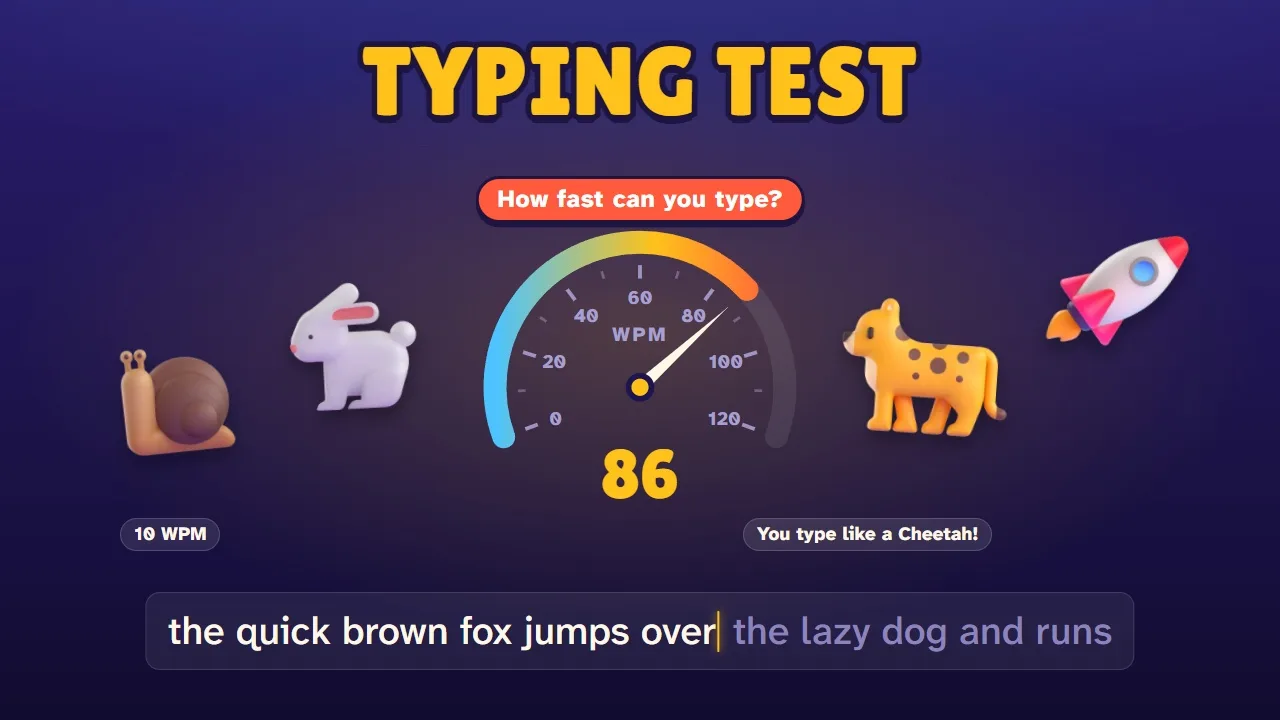
Typing Test
WPM TestHow fast can you type? Just start typing to find out.
Typing games
Race a car with your words, stop a horde of goofy zombies and test your typing speed. 3 free typing games, all made by us, that help you type faster while you play. They run in your browser on a Chromebook, computer, tablet or phone.
How fast can you type? Just start typing to find out.
 New!
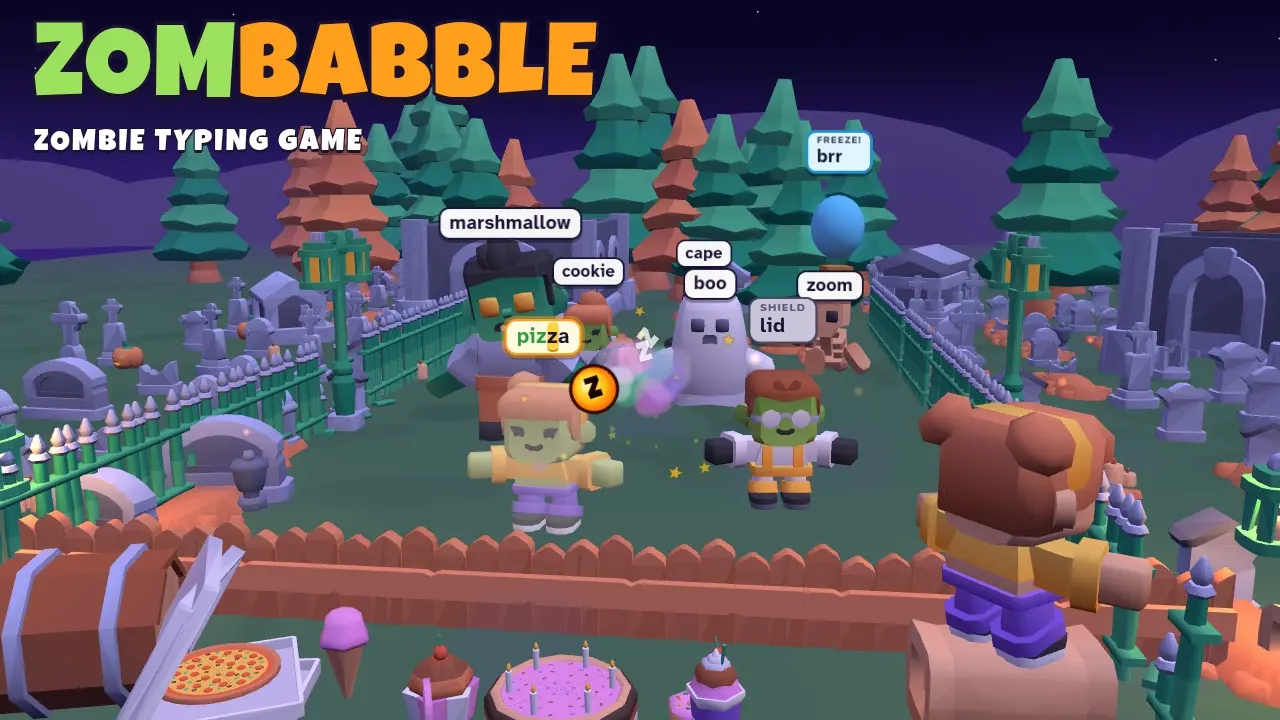
New!Type the words, send the zombies back to bed. Poof!
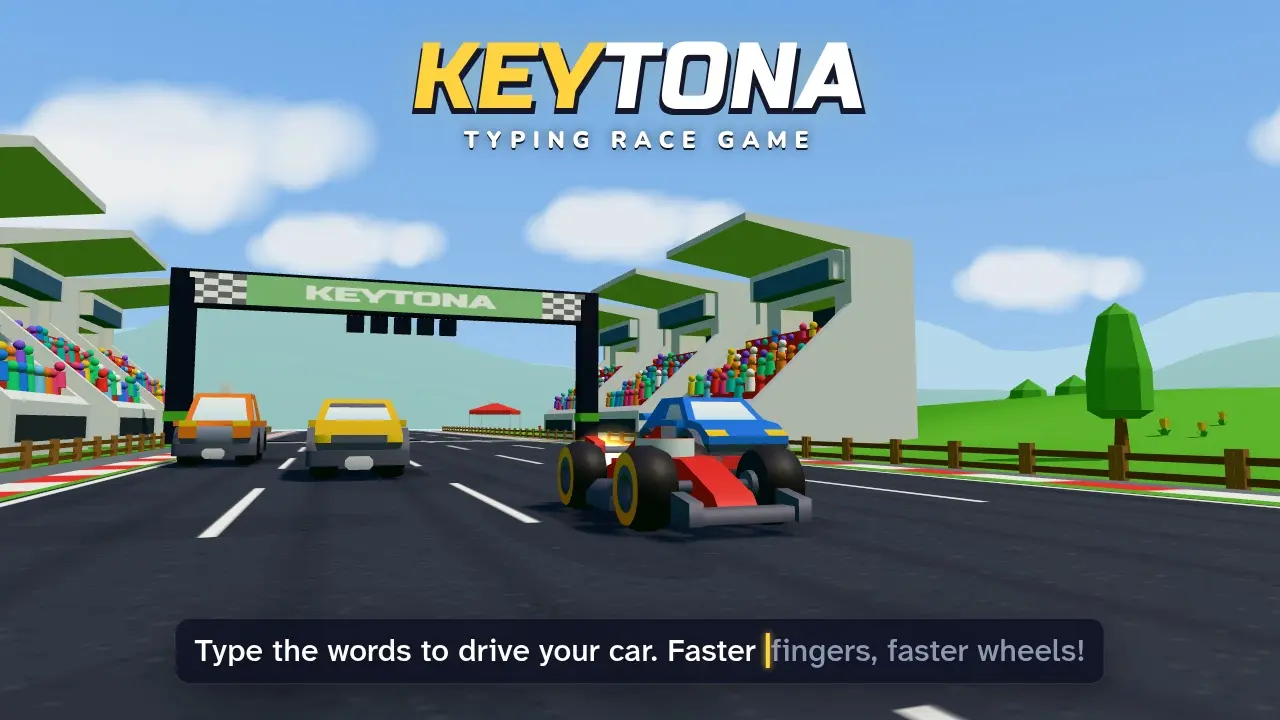
Type the words to drive your car. Faster fingers, faster wheels!
Each one is a different kind of keyboard game, and each one shows your words per minute and accuracy at the end. Pick the one that fits your mood, or use them together to learn to type.
| Game | How it plays | Good for | |
|---|---|---|---|
| Keytona | Typing race game | Race rivals and your ghost | Learning to touch type |
| Zombabble | Zombie typing game | Type to stop the zombies | Fast reactions, short words |
| Typing Test | Typing speed test | Timed test, charts, certificate | Measuring your speed |
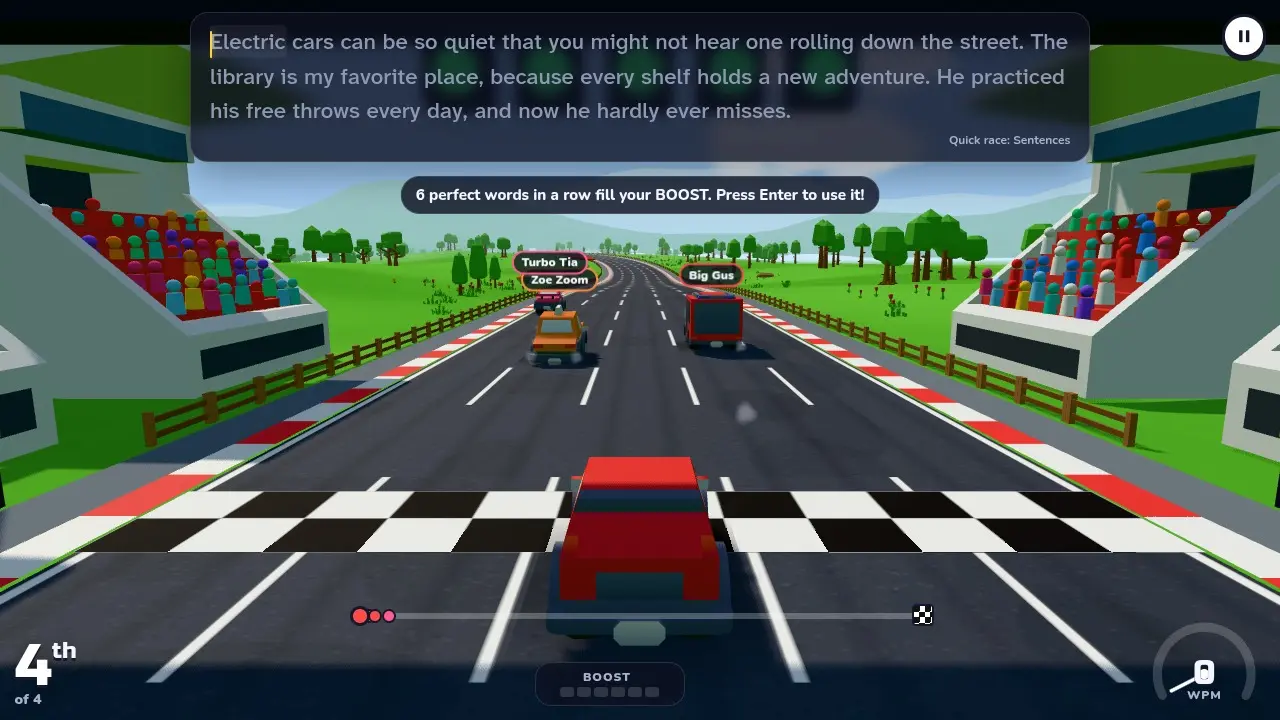
Typing race game
The words you type drive your car. Every correct letter pushes it down the track, so the faster you type, the faster you go, and a wrong key makes your tyres squeal until you fix it. Race rivals who type at about your speed and the ghost of your own best run on eight 3D tracks. The Career is a touch typing course in disguise: the home row first, then the top and bottom rows, capitals, numbers, punctuation and passages from classic books.
Best for: learning to touch type, and anyone who wants a typing racing game that feels like a real racing game.
Zombie typing game
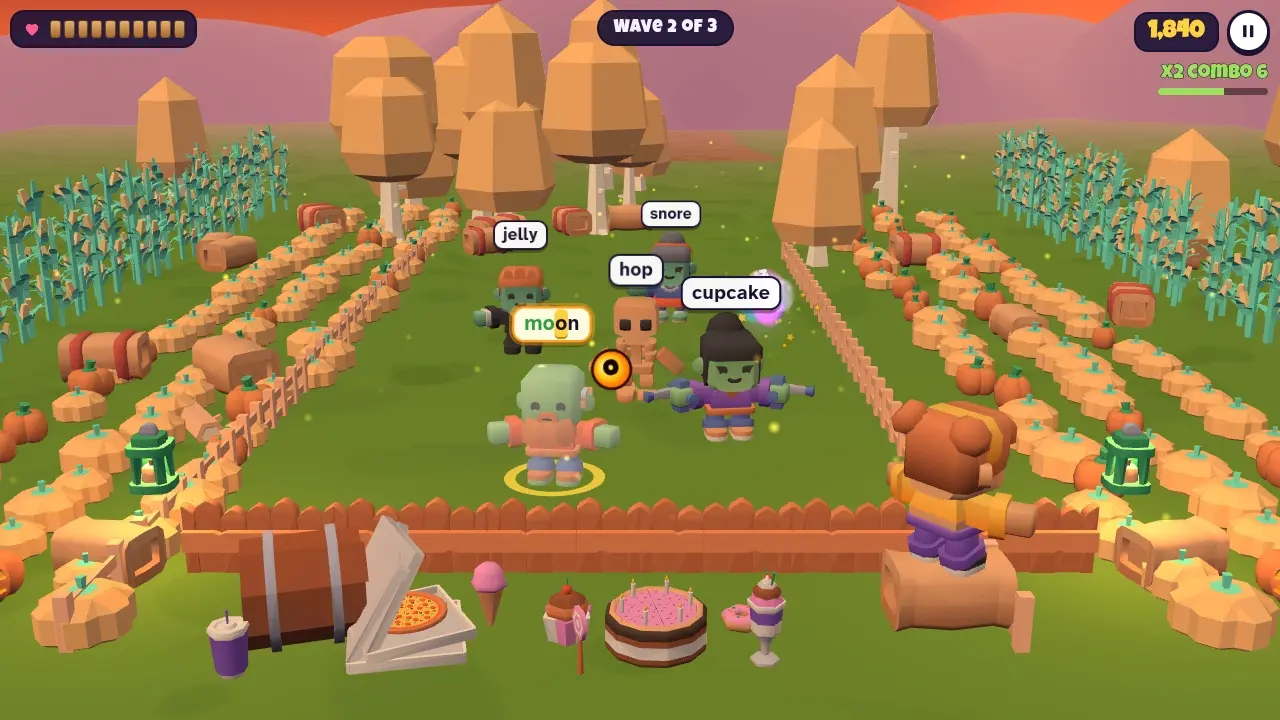
Goofy cartoon zombies shuffle toward your fence, each with a word over its head. Type the word and that zombie goes back to bed with a POOF. Shield zombies need two words, tiny ghosts split in two, and the Zombie King makes you type a whole sentence. Twenty nights in four spooky-but-silly places, power-up balloons, combos, an endless mode and a daily battle. Funny, never scary, and no gore.
Best for: practising speed under pressure, and kids who want a typing game that feels like an action game.
Typing speed test
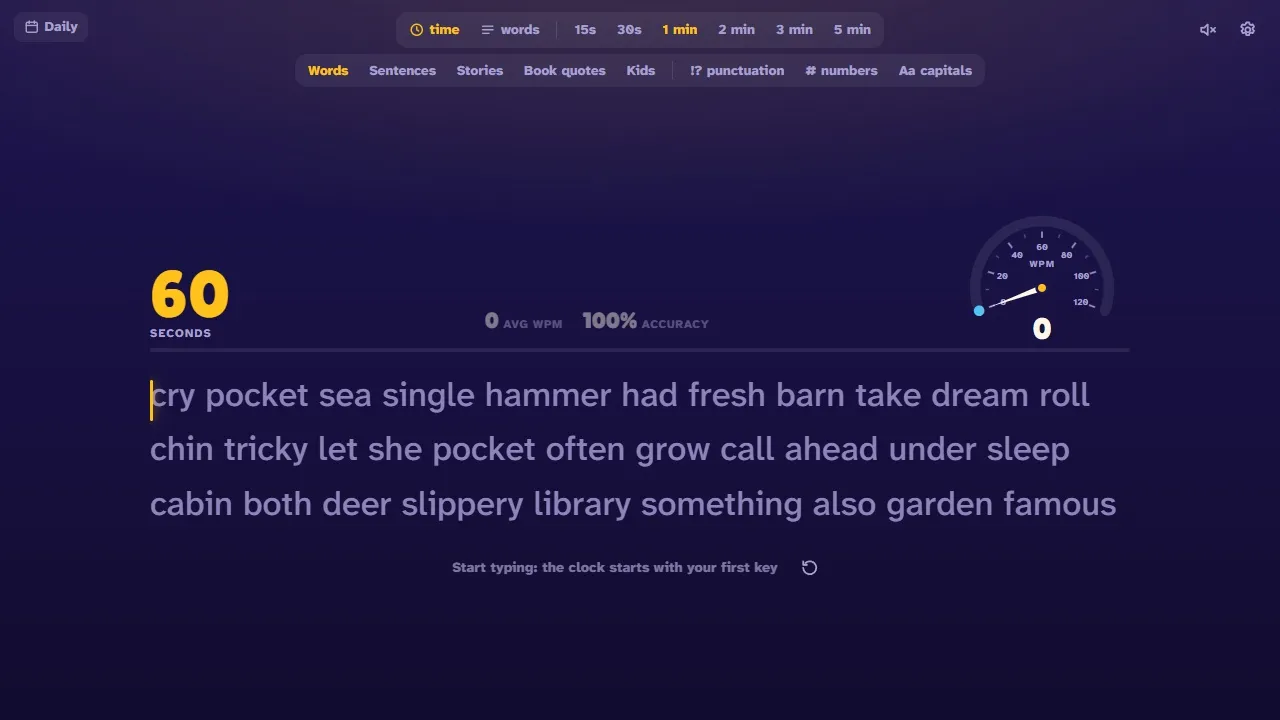
No menus and no Play button: just start typing and the clock starts. Pick a 30-second, 1, 3 or 5-minute test, or a set number of words, with common words, sentences, short stories, book quotes or easy kids' words. You get your words per minute, accuracy, a speed chart, a heatmap of the keys you miss, a speed rank from Snail to Rocket and a free certificate.
Best for: checking your WPM before and after you practise, and seeing which keys slow you down.
Typing practice works best a little at a time, and games make it easy to keep going. Here's a simple plan that uses all three games: ten or fifteen minutes a day is plenty.
1
Take a 1-minute typing test to get your starting words per minute and accuracy. Note the keys on the heatmap that you miss most.
Typing Test →2
Play the Keytona Career, a few races a day. It starts on the home row (A S D F and J K L) and adds a few keys at a time, so your fingers learn where every key lives without looking.
Keytona →3
Fight a few nights in Zombabble. Short words that keep coming train you to see a word and type it straight away, and Endless lets you practise just the home row or long, tricky words.
Zombabble →4
Take the same test again after a week or two. Your history chart shows how far you've come. Aim for accuracy first: speed follows.
Typing Test →Every typing game here is made to be safe and fun for kids: no chat, no sign-up and nothing to buy, and the words are checked to be kid-friendly. They run well on school Chromebooks.
Young typists can start with the kids typing test (short, easy words), then the first cups of the Keytona Career, which only use the home row. Kids who like a bit of action will love sending the goofy zombies in Zombabble back to bed.
Typing games aren't only for school. If you type for work, a few minutes a day can make you noticeably quicker and more accurate, and a game is a lot more fun than a typing drill.
Race Keytona with book quotes from classic novels, push Zombabble to the Hard setting, or take a 5-minute typing test with punctuation and capitals to see your real-world speed. Every game shows the keys that slow you down, so you know exactly what to practise.
Yes. Every typing game here is free to play in your browser. There's no sign-up, no download and no paywall.
Yes, as long as the game makes you type real words and shows you how you did. Keytona's Career is a full touch typing course, from the home row to numbers and punctuation. After every race, battle or test you see your words per minute, your accuracy and the keys you miss most, so you know what to practise next.
Start with the Keytona Career: the first races only use the home row keys, and each cup adds a few new keys. Zombabble's early nights use short, easy words, and its Easy setting slows the zombies down. The Typing Test has a kids mode with short, easy words.
Yes. They're made with kids in mind: no chat, no sign-up and nothing to buy. The zombies in Zombabble are goofy cartoon characters who go back to bed when you type their word, with no blood or gore, and the words in every game are checked to be kid-friendly.
Yes. All of them run in the browser on Chromebooks, computers, tablets and phones. A real keyboard is best for learning to type, but on a phone you can hold it upright and type on the on-screen keyboard: the words sit above it.
In words per minute (WPM). Every 5 characters you type correctly count as one word, including spaces, so long and short words are fair. Accuracy is the share of keys you pressed correctly. The Typing Test page explains how WPM is calculated in more detail.
Yes. Each game saves your progress, best scores and history in your browser automatically, so you can close it and carry on later on the same device. Clearing your browser data resets it.
Yes. We're making more typing games, and they'll all be added to this page as they come out.