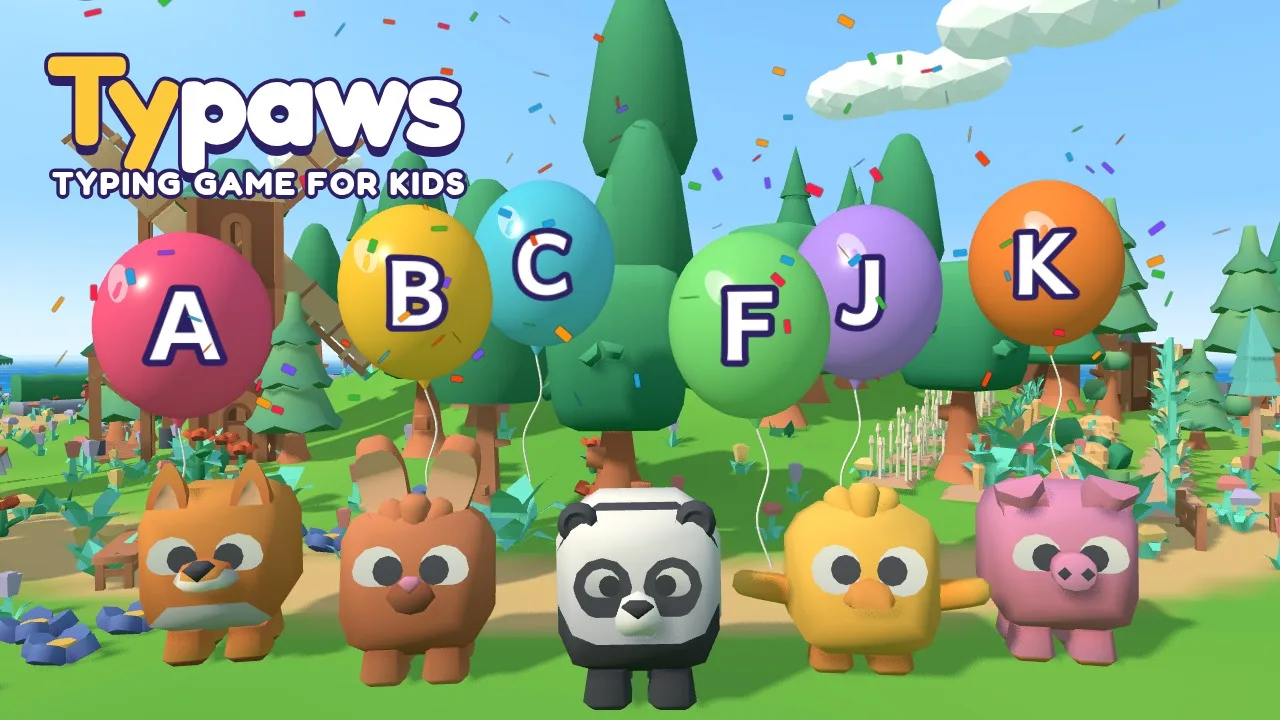
A typing game for kids who are just starting
Typaws is a free typing game for young kids, about 5 to 9 years old, who are just getting to know the keyboard. It's set on a sunny 3D island where cute animal friends need a hand: every key your child presses pops a balloon, feeds a hungry pet, shakes fruit out of a tree, opens a present or makes a toy train chug along. It feels like a game, not a lesson, but every level teaches one small thing.
It starts where children really start: finding single letters, big and clear, one at a time. Then come the home row keys (with the little bumps on F and J), the top row, the bottom row, short picture words like cat, sun and cake, and finally little sentences such as "I see a cat." A friendly voice says every letter, word and sentence out loud, so children who can't read yet can still play.
An on-screen keyboard lights up the key to press, and two cartoon hands show which finger to use: the finger glows in the same colour as its keys and reaches for the key. A wrong key is never a "game over": the balloon just wobbles, and after a couple of tries the voice says which key and which finger. Every finished level earns at least one star, and more for careful typing.
Typaws has 36 levels in six lands, 36 stickers to collect (24 of them are animal friends who can become your buddy), and a free play mode with "Letter fun", where any key on the keyboard makes a balloon appear. Parents and teachers get a simple grown-ups view with accuracy, tricky letters and progress over time. There are no ads, no chat and no links out, and it runs in the browser on school Chromebooks, computers and tablets.
Six lands, small steps: what your child learns
Each land teaches one part of the keyboard, six short levels at a time. A level takes a minute or two, so it fits a short attention span, and the next level only opens when the last one is done.
| Land | What it teaches | How it plays |
|---|---|---|
| Balloon Meadow | Finding every letter, A to Z | Pop the balloon with the letter on it |
| Home Row Farm | The home row: F and J first, then D K, S L, A and G H | Give the hungry farm animals a snack |
| Treetop Woods | The top row: E I, R U, T Y, W O, Q P | Make the fruit fall from the tree for the monkey and friends |
| Splashy Beach | The bottom row, and the dot (full stop) | Pop the bubbles while a little fish jumps for joy |
| Picture Garden | Short picture words, from cat and sun to banana | Type the word to open the present and see the picture |
| Story Train | First sentences with spaces and a full stop | Every word makes the toy train chug along |
Capitals in the sentences count as lowercase, so no one needs the Shift key yet. When the letters are easy, older kids can move on to our other typing games for kids.
For parents and teachers
After every level, "For grown-ups: how did it go?" opens a short report: how many keys were right first time (accuracy), letters a minute while typing, the keys that were missed, and a chart of accuracy level by level. A keyboard heatmap shows the tricky letters, and Typaws brings those letters back a little more often in practice.
The same view has the settings: the on-screen keyboard and hands can be turned off for older children, letters can be shown as capitals (like the keys) or lowercase, the voice and music have their own volume, and the graphics can be set lower for older Chromebooks.
Typaws is built to be safe for young children: no ads, no chat, no sign-up, no links out of the game and nothing to buy. Progress is saved only in the browser on that device.
How kids learn to type with Typaws
- Look, then press: in Balloon Meadow children learn where each letter lives, in ABC order.
- Rest on the home row: the farm puts the fingers on A S D F and J K L, feeling for the bumps on F and J.
- Reach and come back: the woods and the beach add the top and bottom rows, two keys at a time, with the right finger shown for each key.
- Read and type: picture words and short sentences put the letters together, with the voice reading each one.
Accuracy matters more than speed at this age, so stars come from careful typing, not fast typing. When your child is ready to see their speed, the Typing Test has a kids mode and explains what a good typing speed is.
Screenshots
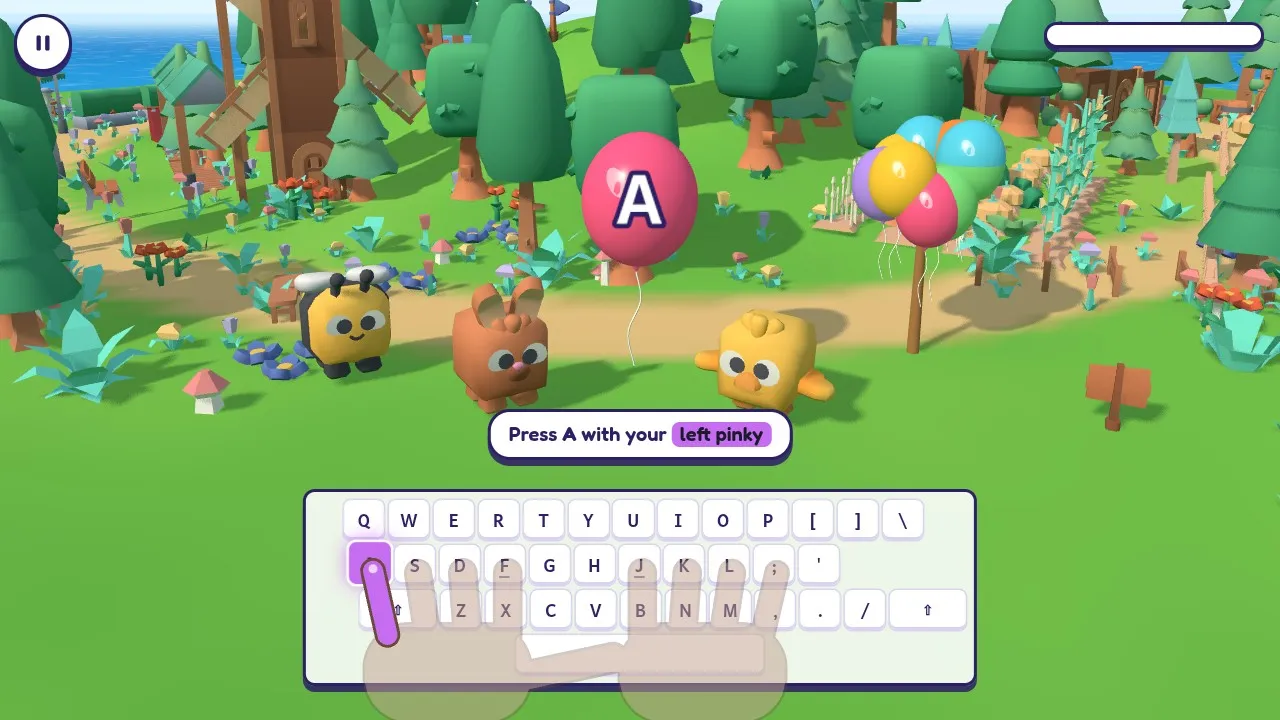
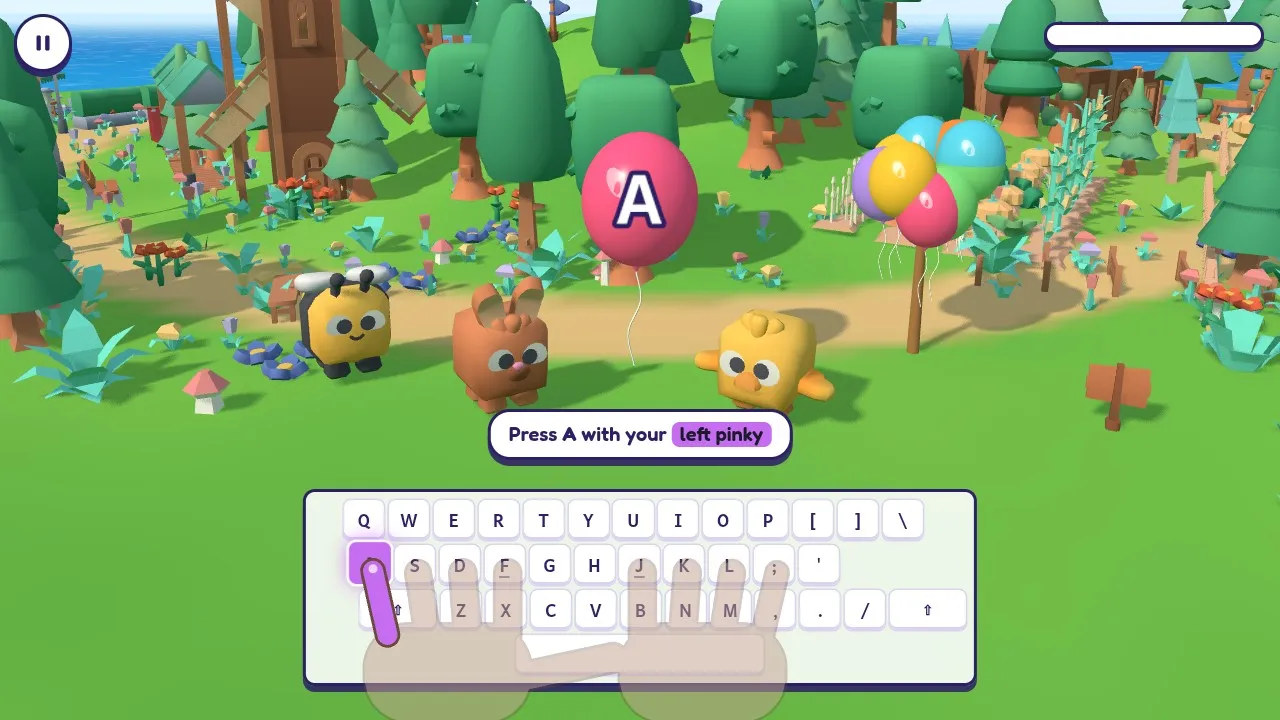
Cute animal friends and a balloon with a big letter in Balloon Meadow, with an on-screen keyboard that shows the key and the finger to use, in the typing game for kids Typaws 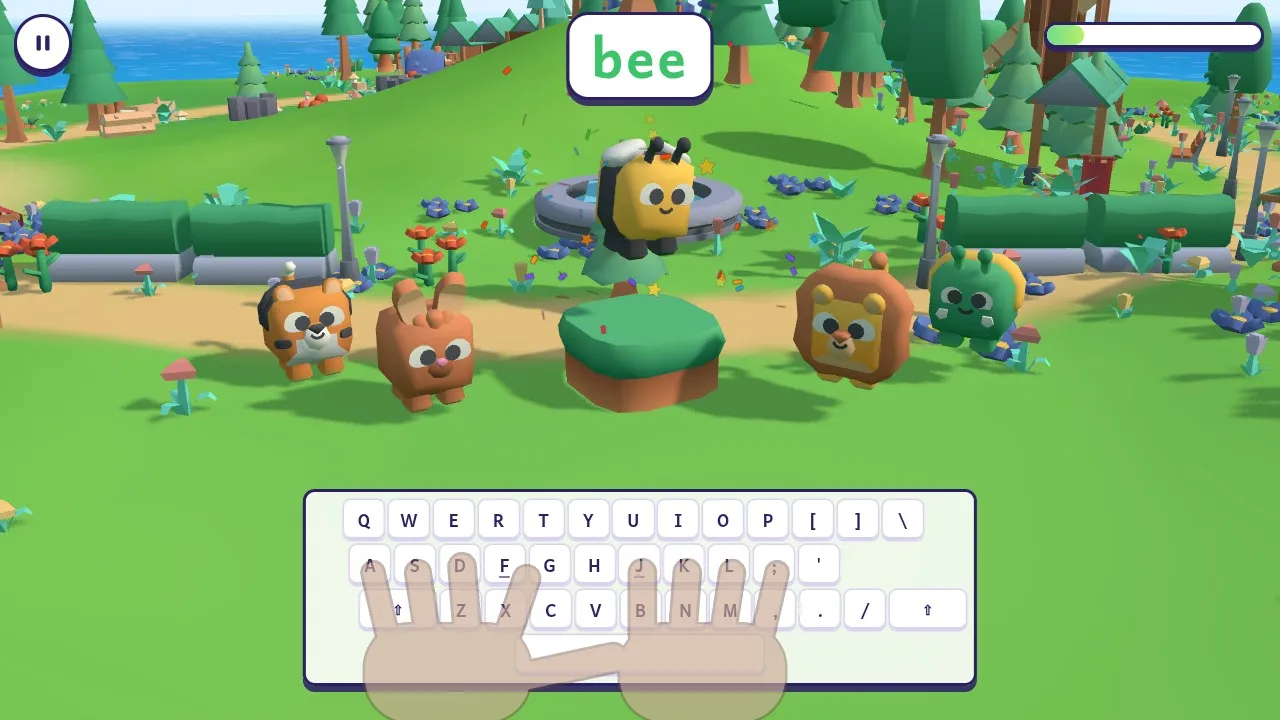
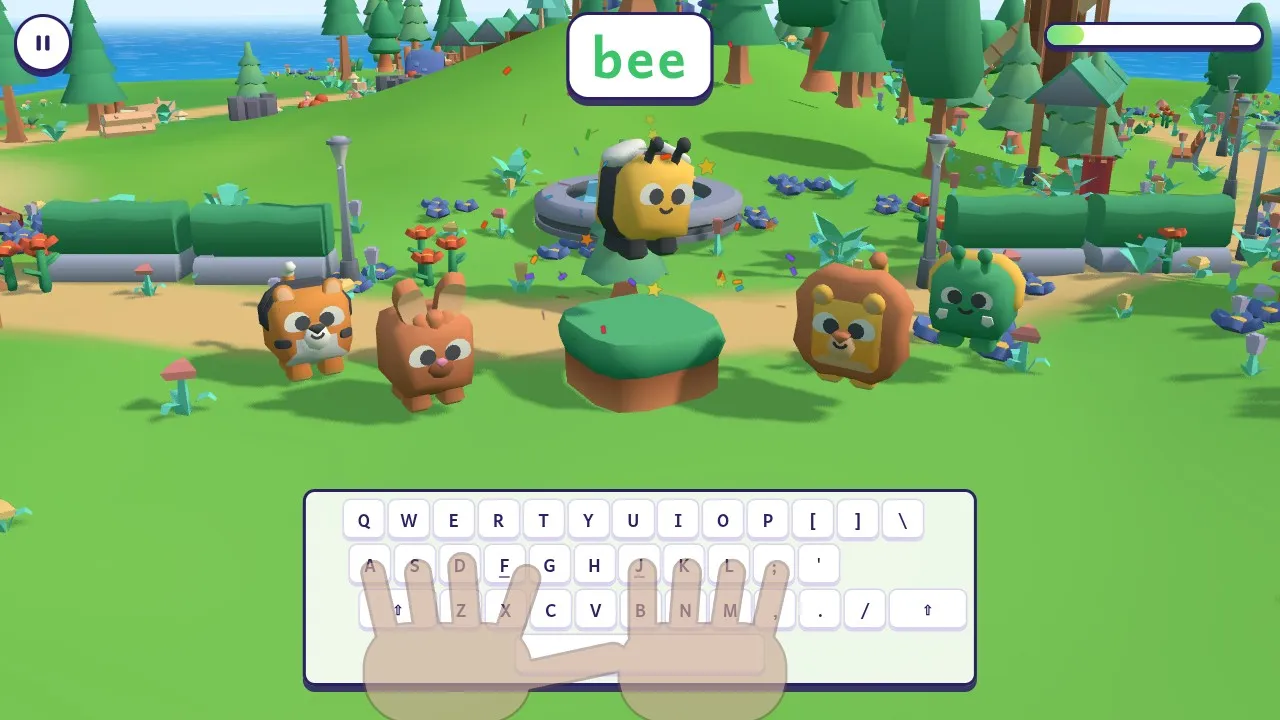
A bee dancing out of a present after a child typed the word bee in the Picture Garden 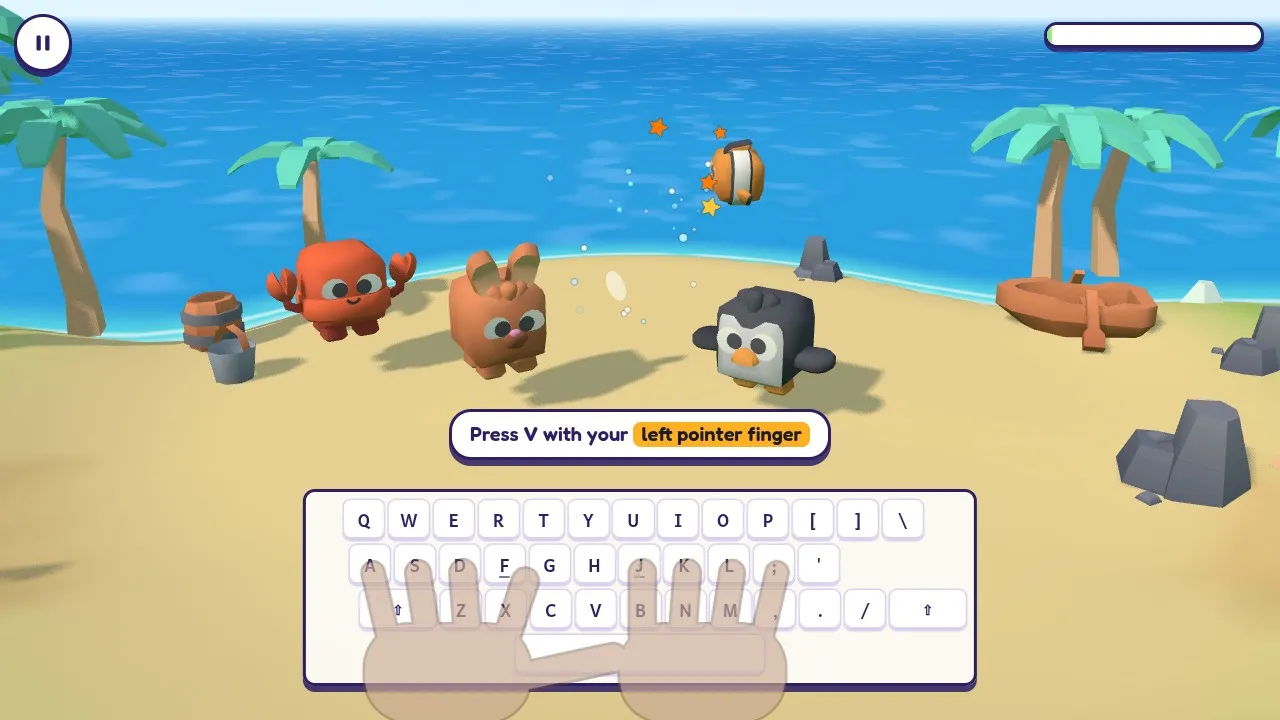
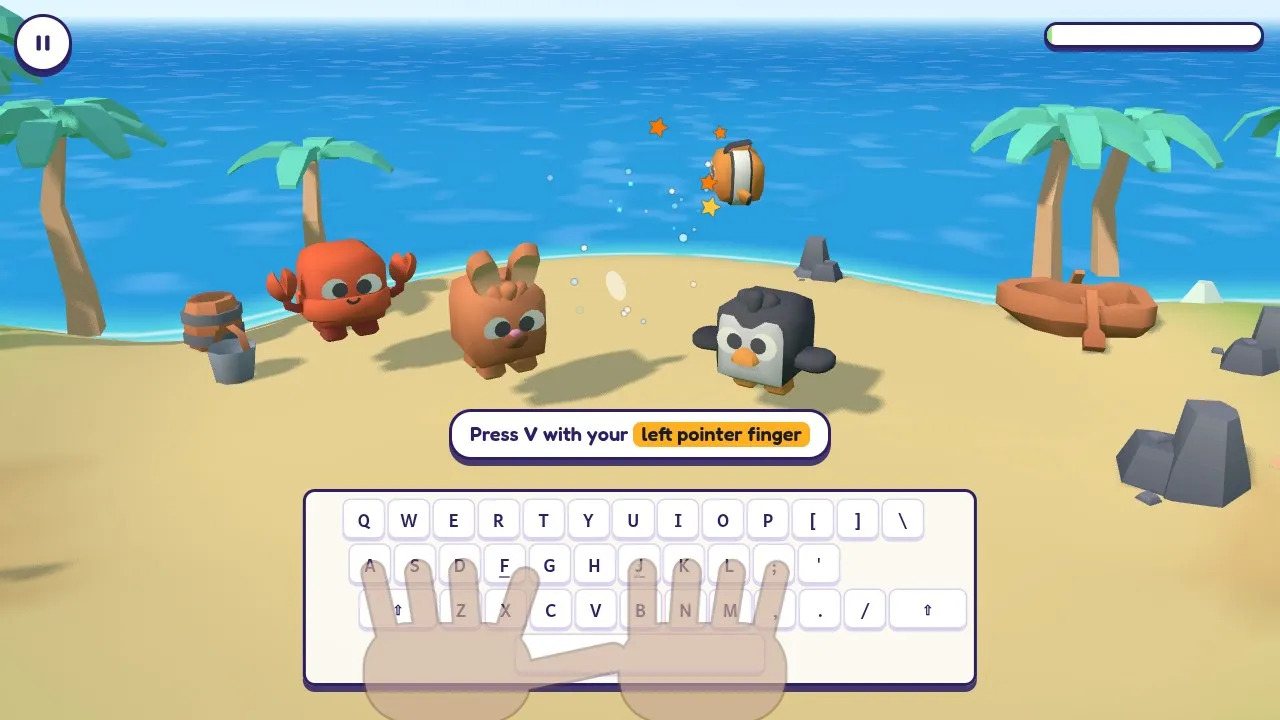
A crab, a bunny and a penguin on the sand at Splashy Beach as a little fish jumps out of the sea after a bubble pops 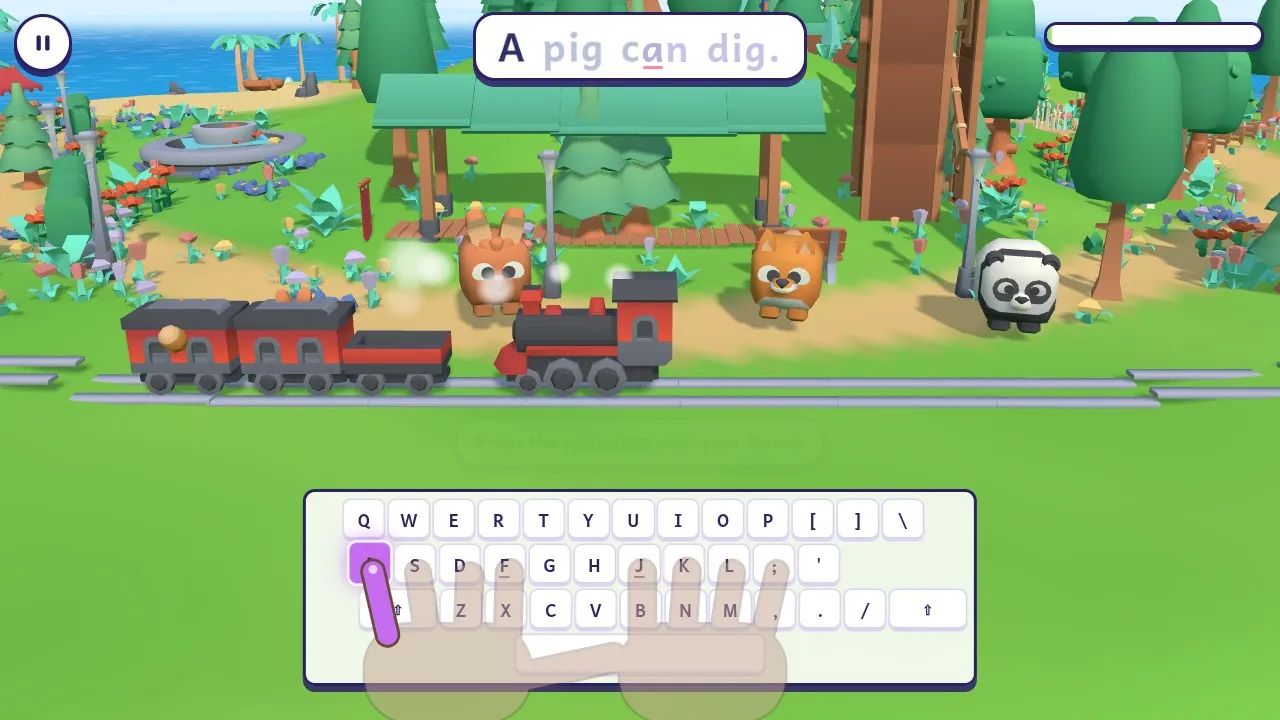
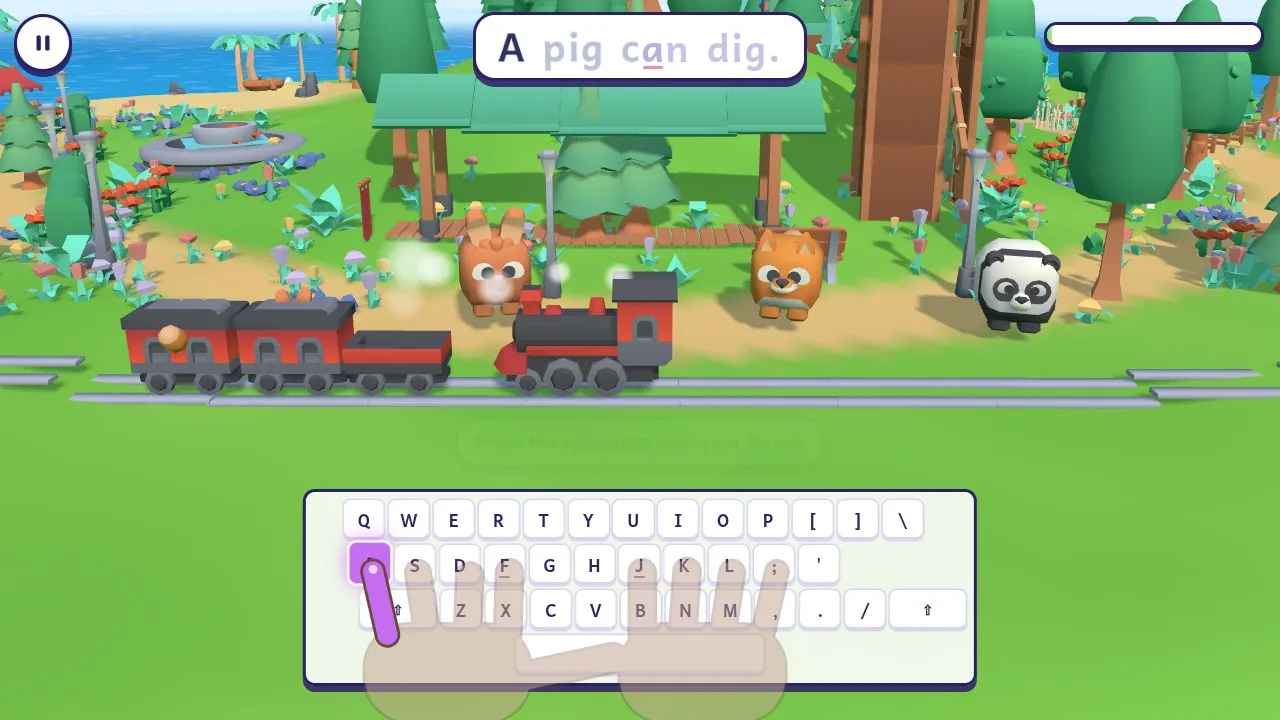
A toy train with animal passengers chugging along the track as a child types the sentence A pig can dig. on the Story Train 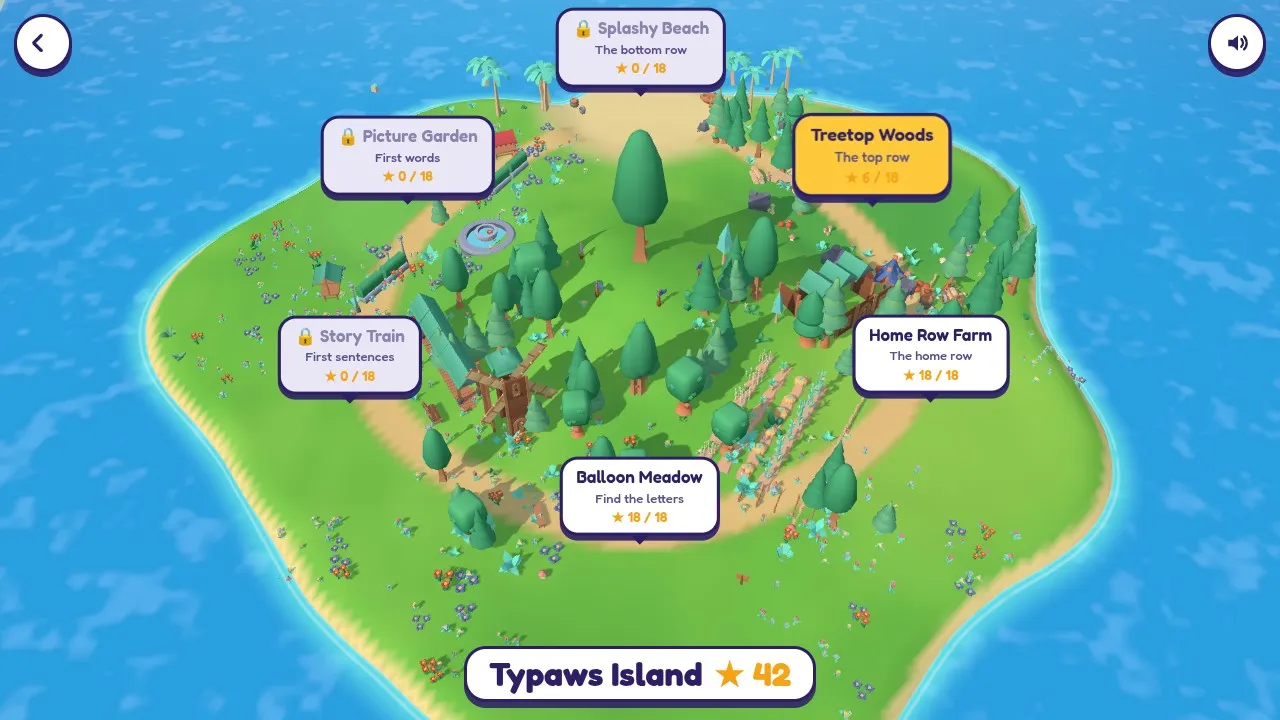
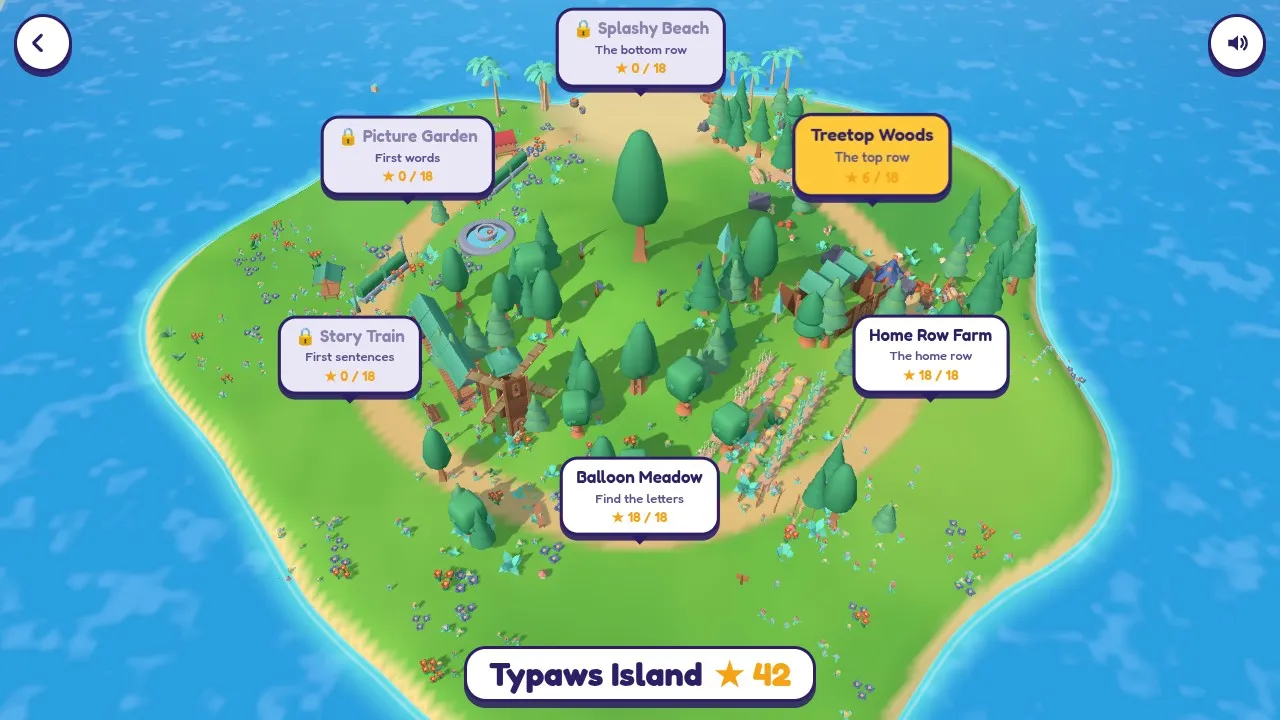
The 3D island map of Typaws with its six lands: Balloon Meadow, Home Row Farm, Treetop Woods, Splashy Beach, Picture Garden and the Story Train 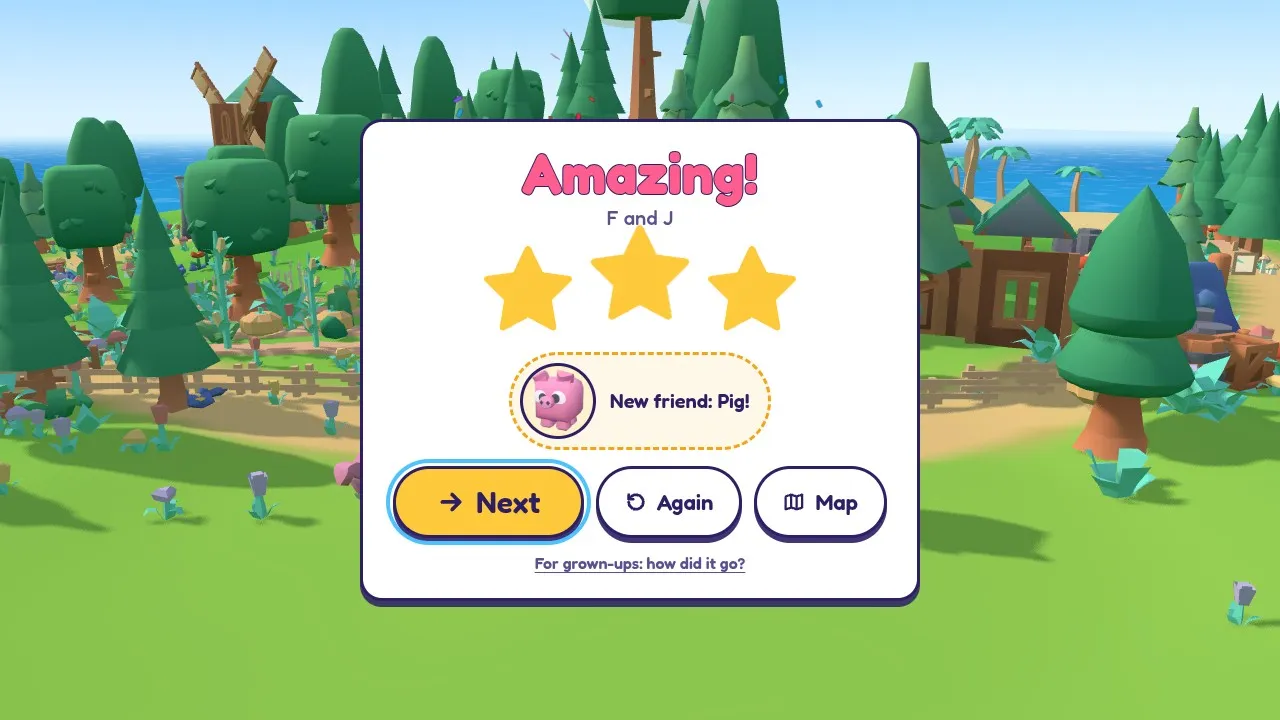
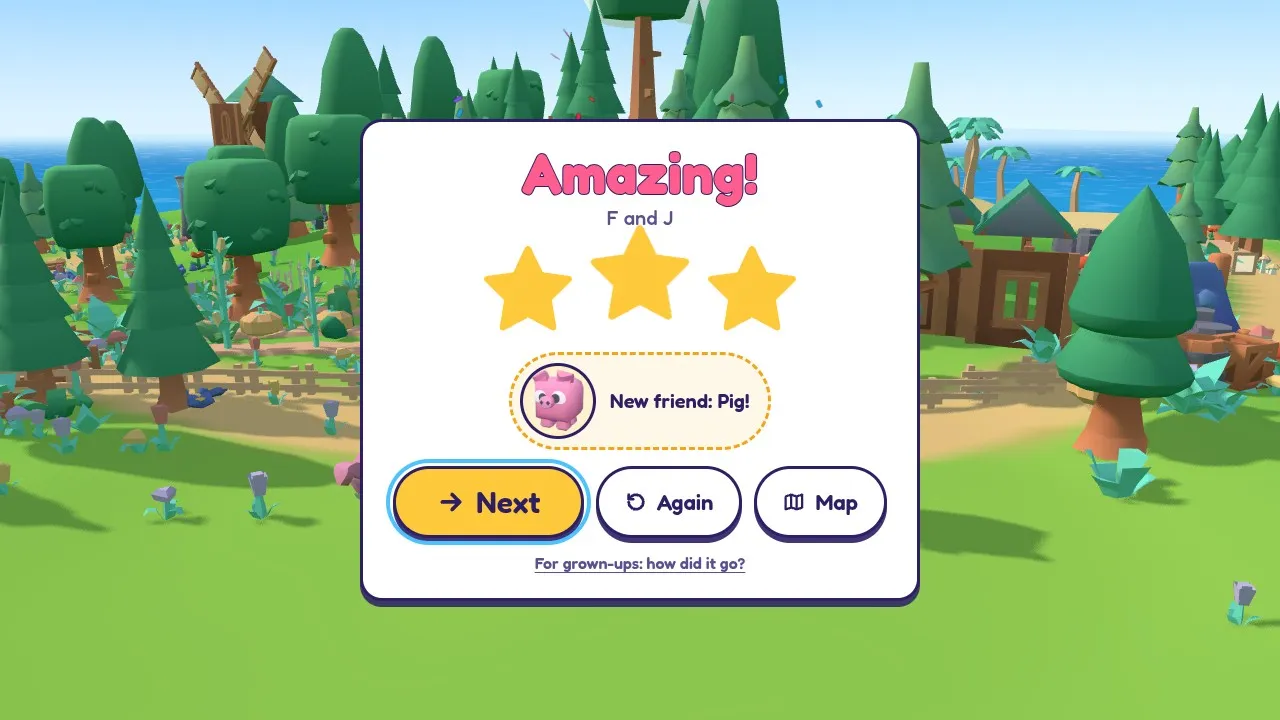
The end of a level: three stars and a new animal friend sticker, a pig, with a link to the grown-ups report
How to play Typaws
- 1
Find the letter
A balloon, a snack or a bubble shows a big letter, and the voice says it. Find that key on the keyboard and press it.
- 2
Watch the glowing key
The on-screen keyboard lights up the key, and the cartoon hands show which finger presses it. The colours match: pinkies purple, ring fingers blue, middle fingers green, pointer fingers orange.
- 3
Make something happen
Pop the balloon, feed the hungry pet, open the present or make the train go. The pets cheer and dance after every one.
- 4
Collect stars and stickers
Finish the level for stars and a sticker. New animal friends join your sticker book, and you can pick one as your buddy.
Controls
| Input | What it does |
|---|---|
| Letter keys | Press the letter on the balloon, snack or bubble; type the word or sentence |
| Space bar | Between the words of a sentence (Story Train) |
| Esc | Pause |
| Enter | Play, and go on to the next level |
| Tablet or phone | Tap Play and type on the on-screen keyboard (a tablet with a keyboard plays like a computer) |
What's in Typaws
- A typing game for kids who are just starting: single letters first, then the home row, each row, picture words and short sentences
- 36 levels in six lands: Balloon Meadow, Home Row Farm, Treetop Woods, Splashy Beach, Picture Garden and the Story Train
- An on-screen keyboard that lights up the next key, with cartoon hands that show the finger to use
- A warm, clear voice reads every letter, word and sentence, so children who can't read yet can play
- Gentle mistakes: a wrong key gets a hint, never a "game over", and every finished level earns a star
- 24 cute animal friends with real animations: they cheer, dance, munch and hop
- 36 stickers to collect, and a buddy pet you choose yourself
- Free play: Letter fun (any key makes a balloon), letter practice by row, picture words and the Story Train
- A grown-ups view with accuracy, letters a minute, tricky letters and progress over time
- Letters as capitals (like on the keys) or lowercase; QWERTY, AZERTY and QWERTZ keyboards
- No ads, no chat, no links out and nothing to buy; kid-safe words only
- Free in the browser on Chromebooks, computers and tablets, with graphics settings for slower computers; progress saves automatically
Tips for parents and teachers
Little and often
Ten minutes a day helps more than an hour once a week. A level takes a minute or two, so stop after a few.
Fingers on the bumps
Show your child the little bumps on F and J. From the farm on, the pointer fingers go back there after every key.
Careful beats quick
Stars come from right keys, not fast keys. Let them take their time and look at the glowing key.
Say it together
Children who are learning to read love saying the letter with the voice before they press it.
Turn the helpers off later
When a child knows the keys, switch off the hands, then the on-screen keyboard, in For grown-ups.
Frequently asked questions
What are good typing games for kids who are just starting?
Look for a game that starts with single letters, shows which key and which finger to use, reads things out loud for children who can't read yet, and never punishes mistakes. Typaws was made for exactly that: it starts with finding letters, then the home row, each row, short words and short sentences.
What age is Typaws for?
It's made for children of about 5 to 9 years old. Younger children who know a few letters can enjoy Letter fun, where any key makes a balloon appear. Kids who already type words can try our other typing games for kids, like Gummylanche or Zombabble.
At what age should kids start learning to type?
There's no set age. Many children are curious about the keyboard as soon as they know some letters. Typaws starts with finding single letters, so it works before a child can read words, and moves on to the home row and words when they're ready. Short, regular sessions of ten or fifteen minutes work better than long ones.
Can my child play if they can't read yet?
Yes. A friendly voice says every letter, word and sentence out loud, the picture words come with a picture, and the on-screen keyboard lights up the key to press.
Does Typaws teach the home row and touch typing?
Yes. Home Row Farm puts the fingers on A S D F and J K L and starts with the bumps on F and J. Treetop Woods and Splashy Beach add the top and bottom rows a few keys at a time, and the cartoon hands on the keyboard always show which finger to use.
What happens when my child presses the wrong key?
Nothing bad. The balloon or snack wobbles and the key wiggles on the keyboard. After a couple of tries the voice says the letter again and which finger to use. A level can't be lost, and every finished level earns at least one star.
Is Typaws safe for kids?
Yes. There are no ads, no chat, no sign-up, no links out of the game and nothing to buy, and all the words are checked to be kid-friendly. Progress is saved only in your browser.
How can I see my child's progress?
Open "For grown-ups" from the title screen, or after any level. It shows accuracy, letters a minute, the tricky letters on a keyboard heatmap, and a chart of accuracy over the last levels.
Does Typaws work on a Chromebook, an iPad or a tablet?
Yes. It runs in the browser on school Chromebooks, computers and tablets, and it lowers its graphics by itself if a computer is slow. A tablet with a keyboard plays just like a computer. Without a keyboard, the tablet's own on-screen keyboard works too, and phones work held upright, though a real keyboard is best for learning to type.
Is Typaws free? Does it save progress?
Typaws is free, with nothing to download and no account to make. Stars, stickers and the buddy you choose are saved automatically in the browser you play in. Clearing your browser data resets them.
What's new
- Typaws is out: a typing game for young kids, from first letters to first sentences
- 36 levels in six lands, 36 stickers, free play and a grown-ups view
Comments