
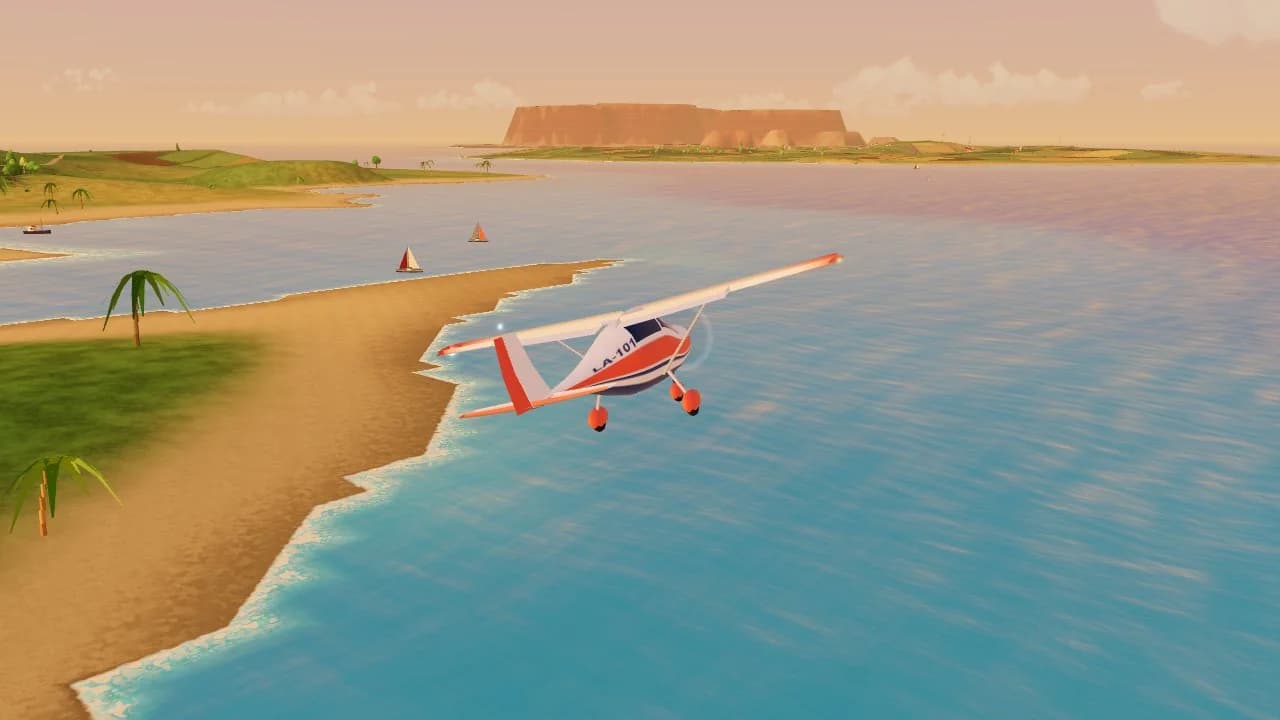
About Landalot
Landalot is a free plane landing game you can play online, right in your browser. You are the new pilot of a tiny airline in the Breezy Isles, a sunny archipelago of little islands and tricky airstrips. Take a job, take off, fly the hop and bring it down gently. Every landing gets a score out of 100, and your passengers will tell you exactly what they thought.
It starts easy. In your first flights the game looks after the power, the flaps and the brakes, so all you do is steer, and short tips tell you what to do at the right moment. When you're ready, turn the help down and fly it all yourself, with real stalls, real crosswinds and a real flare.
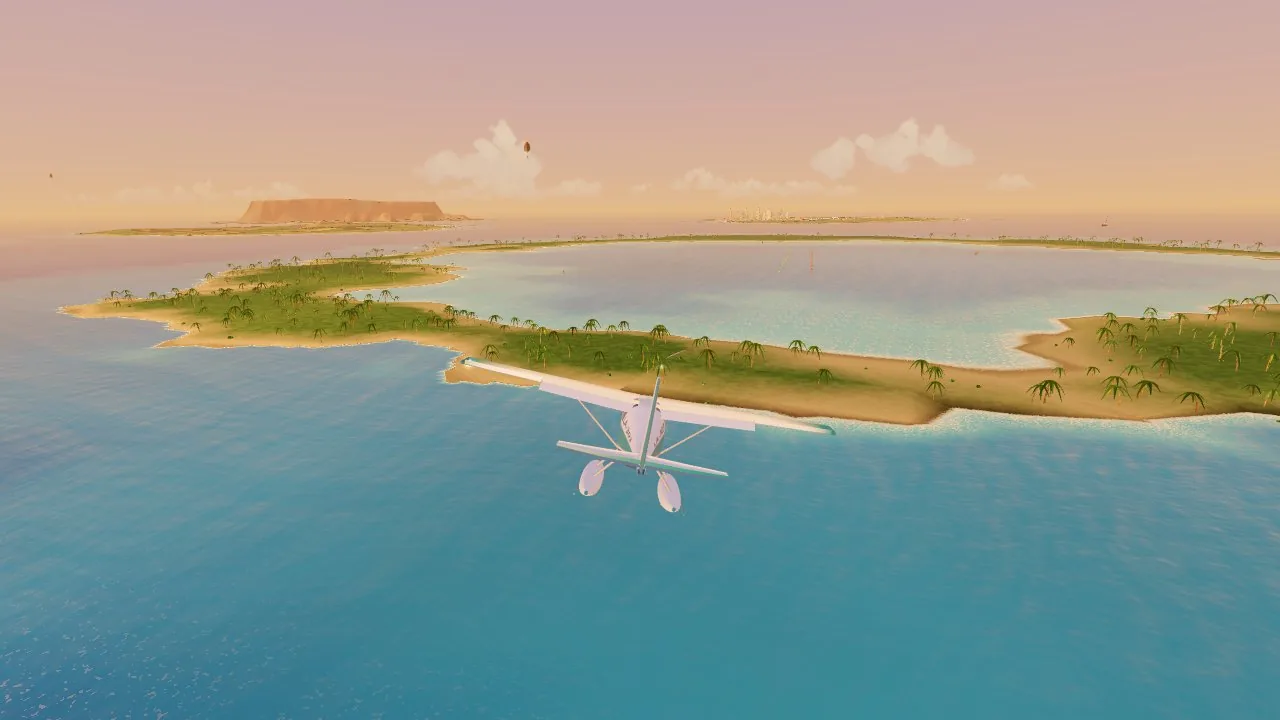
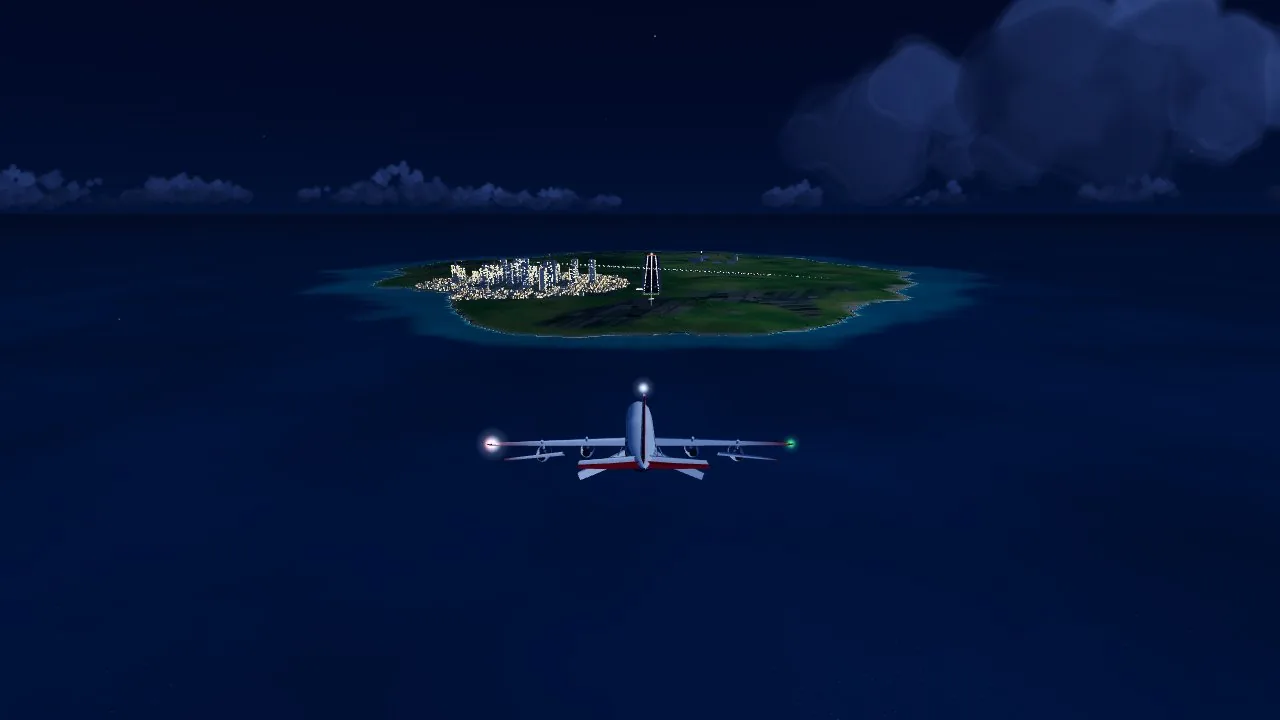
Then the places get stranger. Land on a beach, a country road and a rock with sea on all sides. Touch down on a lagoon in a floatplane, climb to a strip on the rim of a volcano, drop onto a glacier in a snowstorm, and bring a jumbo jet in to Grand Isle at night. The last chapter puts you on an aircraft carrier.
When it goes wrong, it goes wrong in style. The plane comes apart, the pilot floats away on a parachute (nobody is ever hurt) and a replay shows what happened. You're back in the air in a couple of seconds.
Every plane in the hangar
You start with the Sprout. The others are bought with the money you earn from jobs, and each one lands differently. A heavier plane needs longer to slow down and more runway to stop.
| Plane | What it is | Lands at |
|---|---|---|
| Sprout | A friendly trainer that forgives nearly everything | 110 km/h |
| Hopper | A bush plane with fat tyres and huge flaps | 90 km/h |
| Dabbler | A floatplane: the sea is your runway | 120 km/h |
| Barnaby | A stunt biplane that rolls twice as fast | 110 km/h |
| Twinny | Two engines and eight seats | 160 km/h |
| Mule | A chubby cargo plane and water bomber | 160 km/h |
| Sparrow | A small, fast jet | 200 km/h |
| Heron | A seventy-seat airliner | 220 km/h |
| Big Bertha | A four-engine jumbo with 400 seats | 240 km/h |
| Hornet | A carrier jet with a tail hook | 265 km/h |
How to land a plane in the game
A good landing starts a long way out. Line up with the runway early, and let the speed come down to the plane's landing speed. The game shows your speed, and in Easy it holds the speed for you.
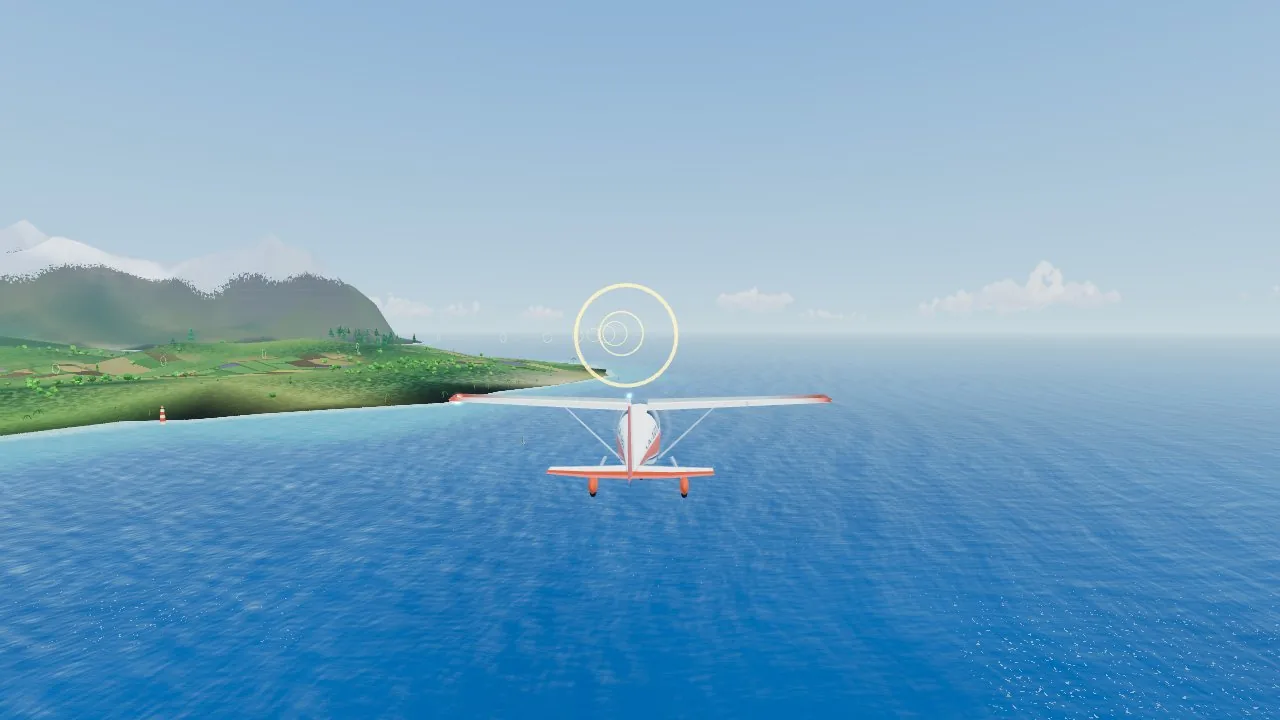
Come down a steady slope by keeping the green ring on the near end of the runway. If the ring slides up the runway you're too high; if it slides towards you, you're too low.
Just before the wheels touch, raise the nose a little and let the plane settle. The landing score counts how gently you came down, where you touched, how close you were to the middle and whether the wings were level. Under about half a metre a second down, passengers can't feel it, and pilots call that a butter landing.
Screenshots
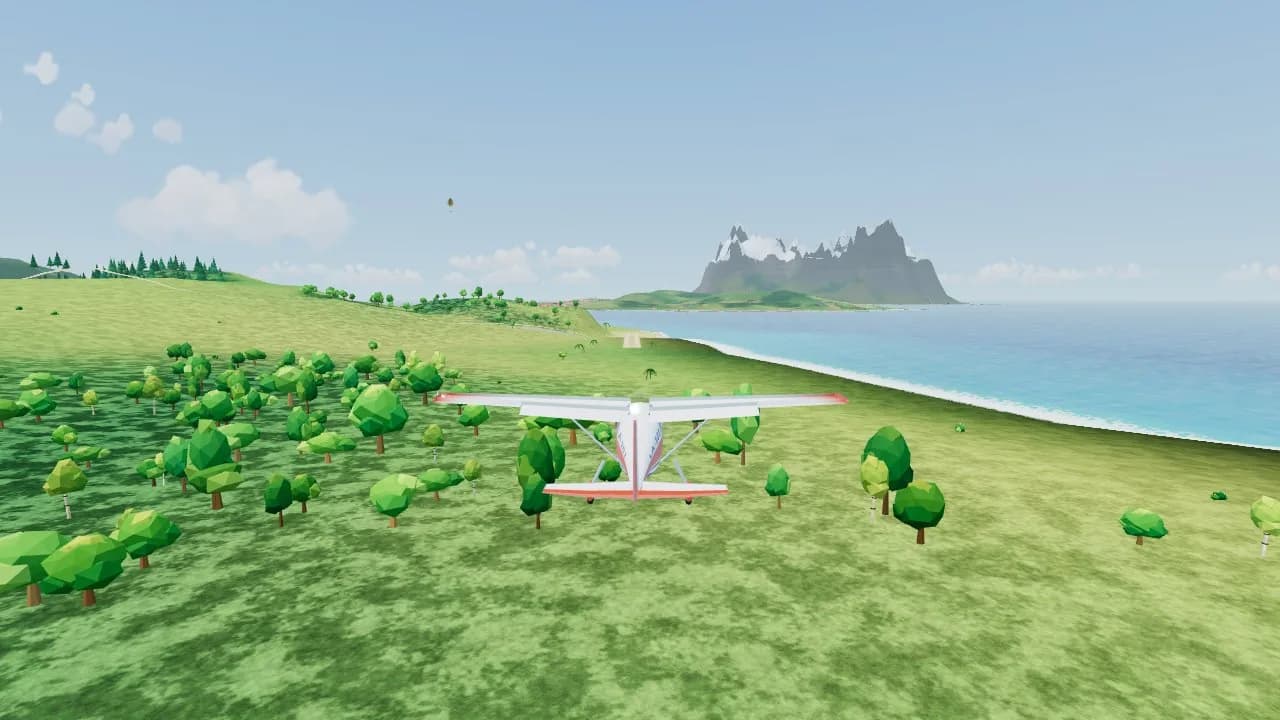
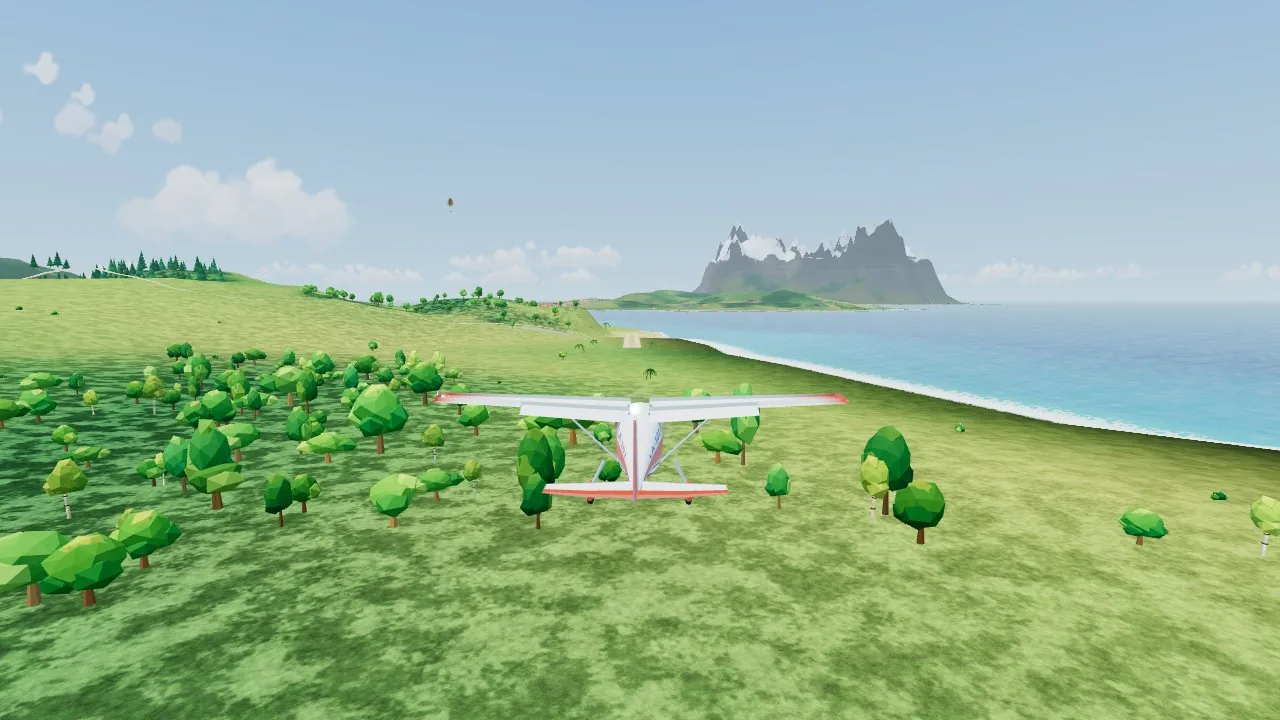
A little trainer plane flying low over green hills and trees towards a grass strip, with a snowy island across the sea 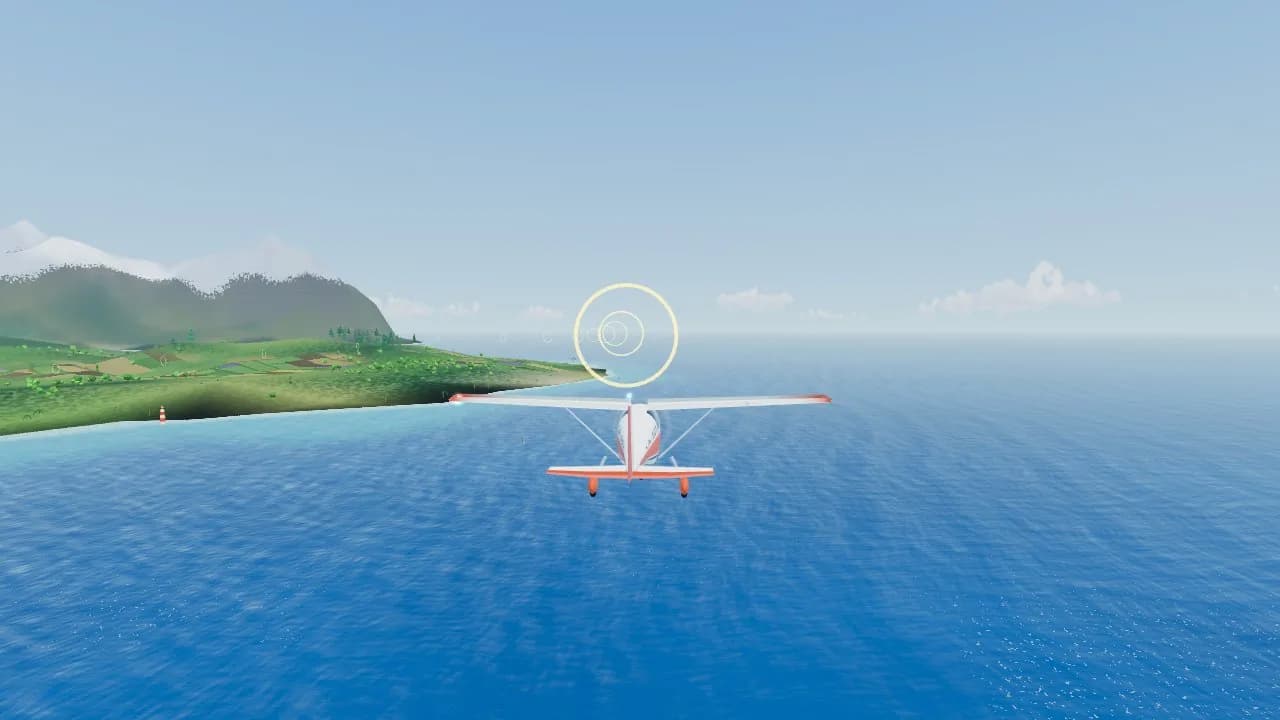
The green aim ring over a blue sea as a small plane heads for the airstrip on a hilly island 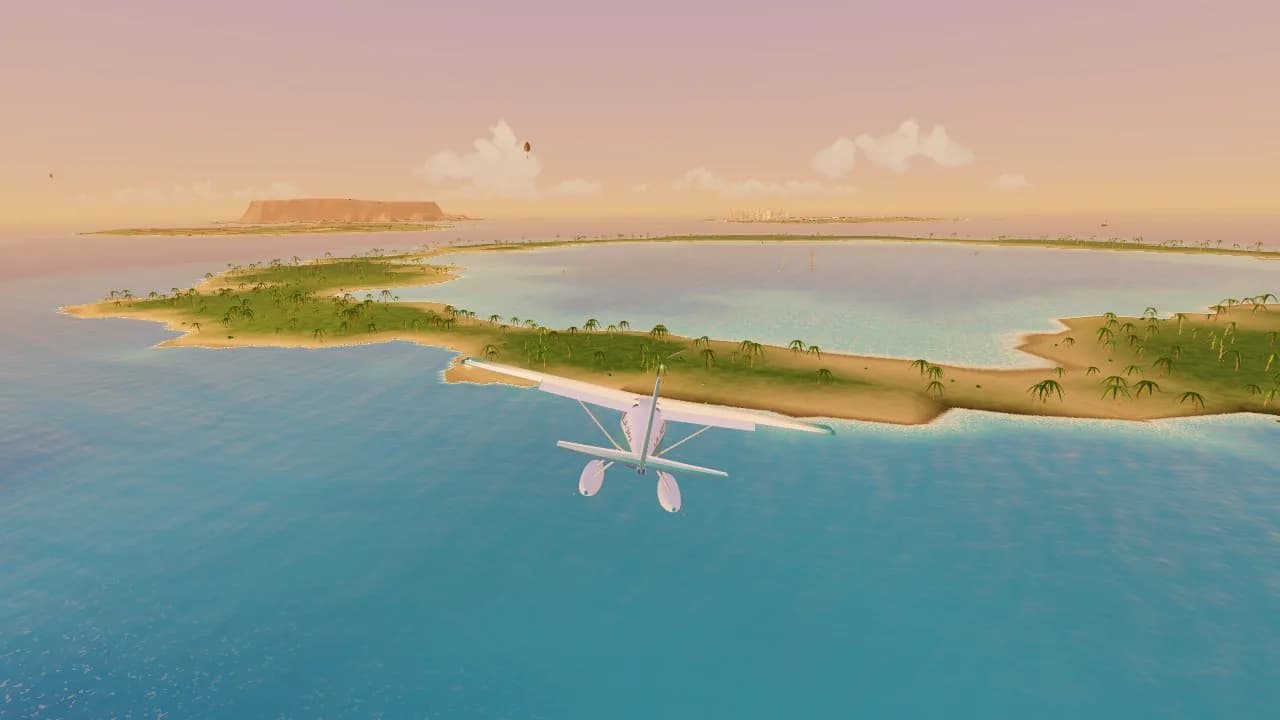
A floatplane flying over a sandy atoll with palm trees and a calm lagoon in the golden evening light 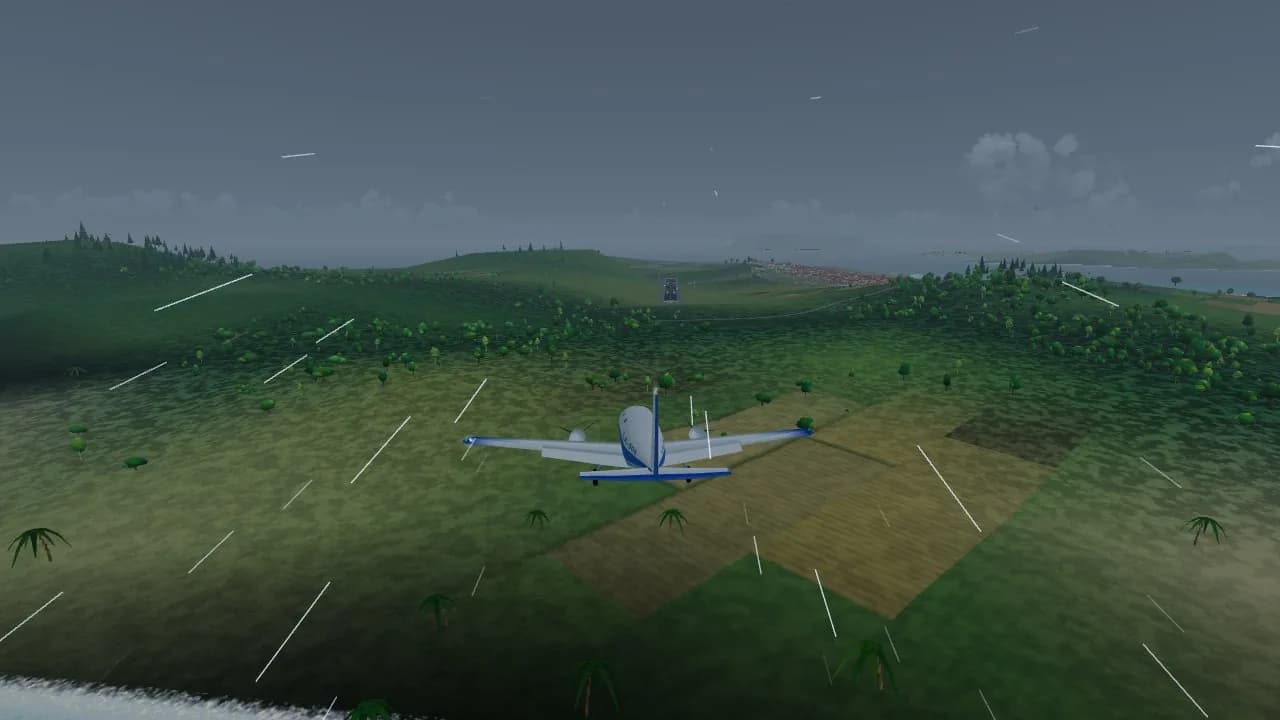
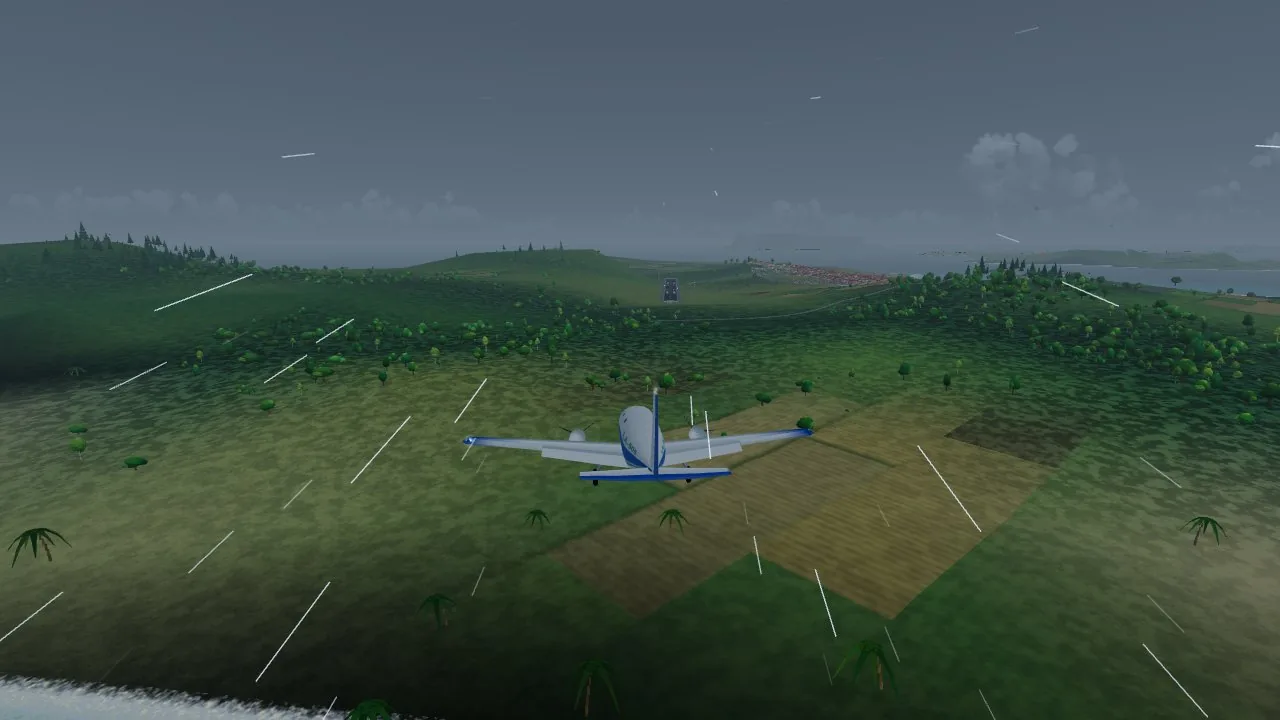
A twin-engine plane flying through streaks of rain over dark farmland in a storm 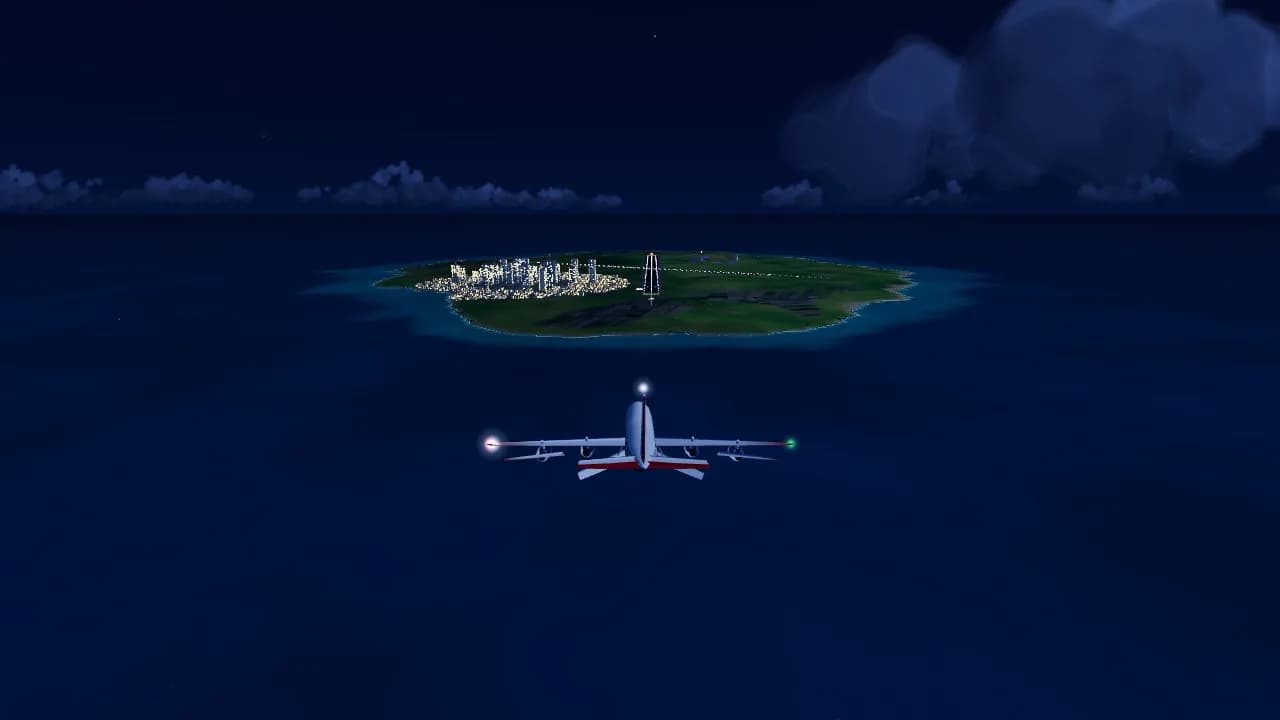
A jumbo jet at night with its lights on, heading for the glowing city and runway of Grand Isle 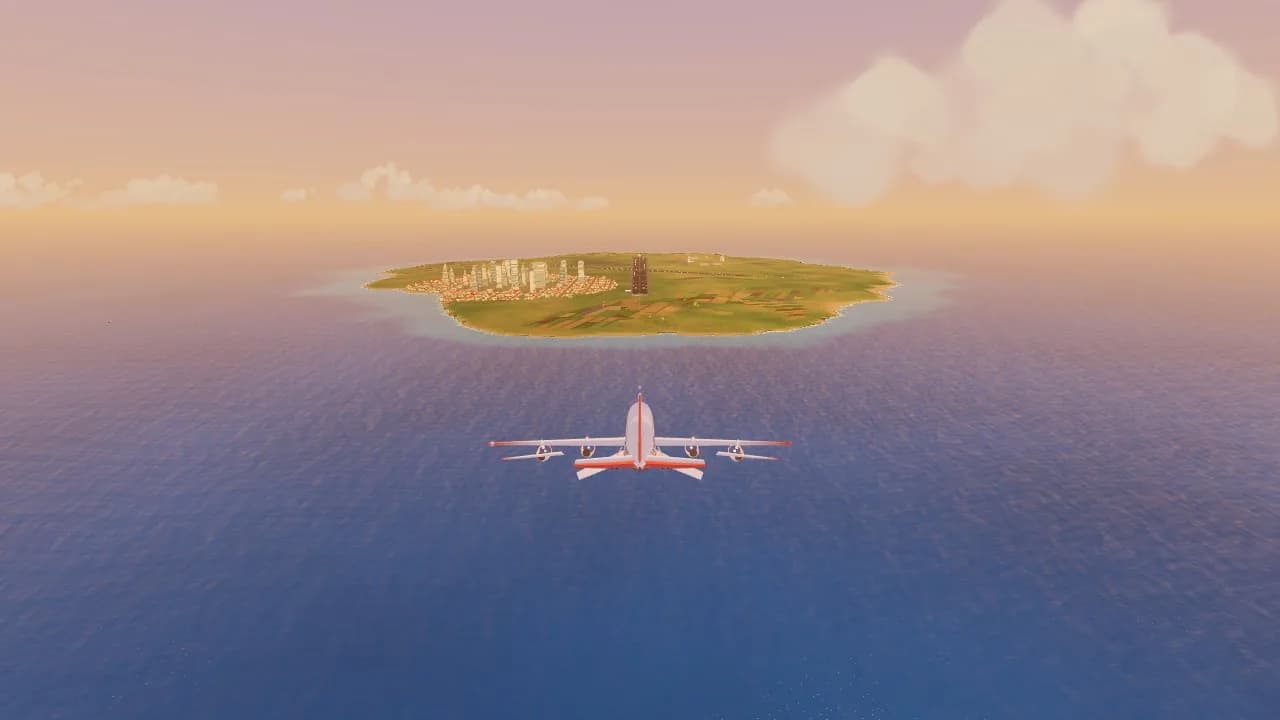
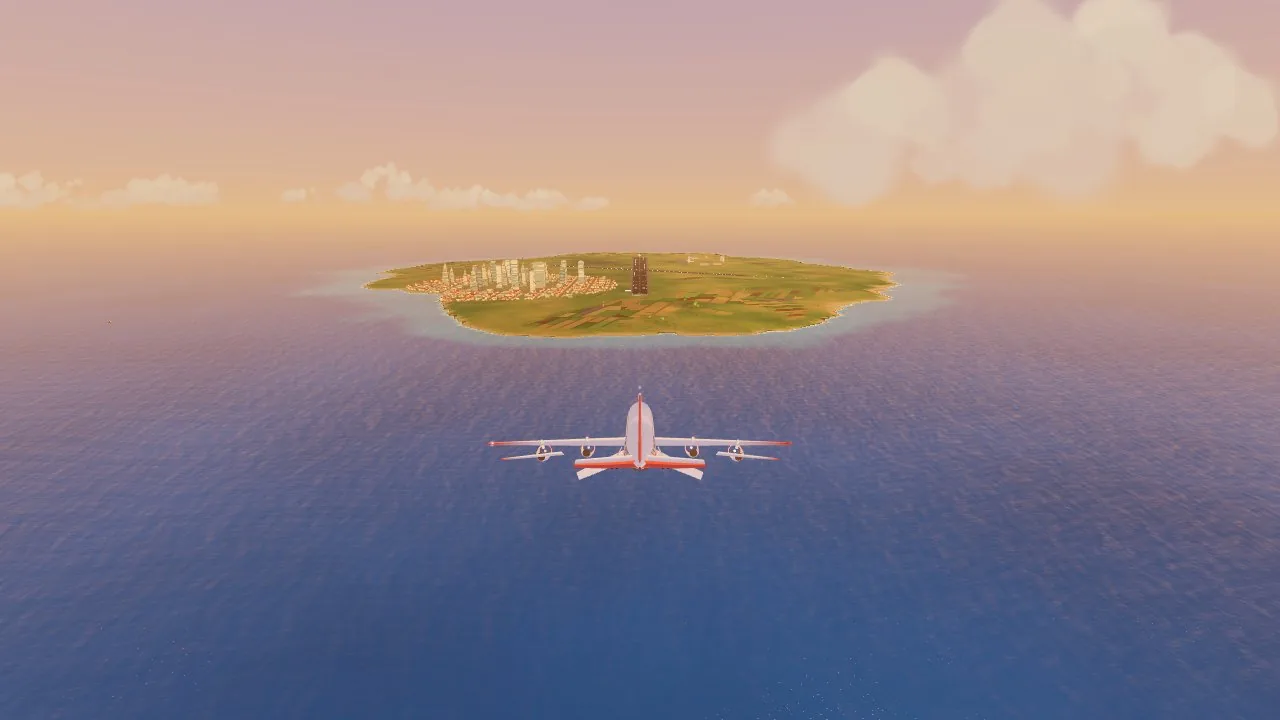
A jumbo jet lining up with the city island of Grand Isle at sunset
How to play Landalot
- 1
Take off
Your first flights start rolling by themselves. When the plane gets fast, move the mouse up, hold S, or pull your thumb down, and it lifts off.
- 2
Follow the hoops
Yellow hoops show the way on your first flights. An arrow at the edge of the screen always points to your next goal.
- 3
Keep the green ring on the runway
The green ring shows where the plane is really going. Put it on the near end of the runway and hold it there, and you'll arrive in the right place.
- 4
Ease back at the last moment
Just before the wheels touch, raise the nose a little. That soft moment is the whole game: too early and you float, too late and you bang down.
- 5
Earn your planes
Each job pays. Stars open new chapters, and money buys new planes in the hangar, along with paint jobs and upgrades.
Controls
| Input | What it does |
|---|---|
| Mouse | Point where you want to go: up to climb, down to descend, left and right to bank |
| Mouse wheel | More or less power |
| Left mouse button or Space | Brakes on the ground, airbrakes in the air |
| W / S or ↑ / ↓ | Nose down and nose up |
| A / D or ← / → | Bank left and right |
| Q / E | Rudder |
| Shift / Ctrl | More or less power |
| F and G | Flaps and landing gear |
| Space | Drop a crate or water, on jobs that need it |
| C | Change the camera, including the cockpit |
| R and Esc or P | Try again, and pause |
| Left thumb (phone or tablet) | Stick: press anywhere on the left side and move |
| Right slider (phone or tablet) | Power |
Features
- A plane landing game with real flight physics: lift, stalls, crosswinds, ground effect and a proper flare
- 10 planes with their own feel: a trainer, a fat-tyred bush plane, a floatplane, a stunt biplane, a twin, a cargo plane, a small jet, an airliner, a jumbo and a carrier jet
- 45 jobs in 9 chapters: passengers, fragile cargo, supply drops, fire fighting, a search at sea, hoops, a canyon run, dead engines and wheels-up landings
- 24 Tough Landings: short, hard approaches in fog, storms, gales and the dark
- A Daily Landing, the same flight for everyone each day, with a score to share
- Free Flight with any plane you own, any weather and any time of day
- A whole archipelago with no loading: farm islands, a harbour town, a volcano, a lagoon, snowy peaks, red mesas and a big city airport
- 17 places to land, and a stamp book to fill
- Morning, noon, golden hour, night, fog and storms
- A cheeky control tower, and a passenger review after every landing
- Three levels of help, from auto power to flying it all yourself, with chase and cockpit views
- Mouse, keyboard and touch controls
- Free, no sign-up, no ads inside the game, no energy timers
Tips for Landalot
Slower is easier
If it feels rushed, you started the approach too late. Line up early and let the speed come down.
Crosswinds
In a side wind the nose points into the wind and the plane drifts. Watch the green ring, not the nose.
Short strips
Come in low over the near end, and use the brakes as soon as you're down.
No engine
Keep your speed up. A slow plane sinks fast.
Big planes
Big planes answer late. Start every change a few seconds before you need it.
Frequently asked questions
Is Landalot free?
Yes. Landalot is a free plane game that plays in your browser. Everything is earned by playing. There is nothing to buy and no sign-up.
Are there ads in Landalot?
There are no ads inside the game, and no timers or energy to wait for.
Is it a real flight simulator?
It's a game with real flight physics rather than a full simulator. Lift, stalls, wind and flaps all work as they should, but the planes, places and airlines are made up, and there are no checklists. If you want more challenge, set Flying help to Pro.
Does it work on a phone or a Chromebook?
Yes. It runs in the browser on computers, Chromebooks, tablets and phones. Phones play it sideways, so turn yours when the game asks. On slower devices choose Fast in Settings.
I keep crashing. What should I do?
Crashes are nearly always from coming down too fast. Keep the green ring on the near end of the runway, leave the power to Easy mode, and watch the bar near the bottom of the screen: green is gentle, red is too fast. Ease back just before the wheels touch.
Is it fine for kids?
Yes. Crashes are cartoon ones: the plane falls apart, the pilot floats down on a parachute and nobody is hurt.
Does the game save?
Yes. It saves by itself in your browser on this device, so you can close the game and carry on later.
What's new
- Landalot is out: 10 planes, 45 jobs, 24 Tough Landings, a Daily Landing and Free Flight
Comments